New featureMore from April 2025

AI agent insights page: resolution rates and escalation reasons

This update announced a dedicated insights page for AI agents: resolution rates, the most common escalation reasons and the topics that led to each one.

In short

  • A dedicated page with an overview of how your AI agents perform
  • Resolution rates of the conversations your AI agents handle
  • The most common escalation reasons, and the topics that led to each escalation

This update announced a dedicated page, in progress at the time, that gives you a quick overview of how your AI agents perform. It brings resolution rates, escalation reasons and escalation topics together so you can improve your models.

What the AI agent insights page shows

The page was designed to answer three questions about your AI agents:

  • Resolution rates: how many conversations your AI agents resolve.
  • Escalation reasons: the most common reasons conversations are escalated.
  • Escalation topics: which topics led to each escalation.
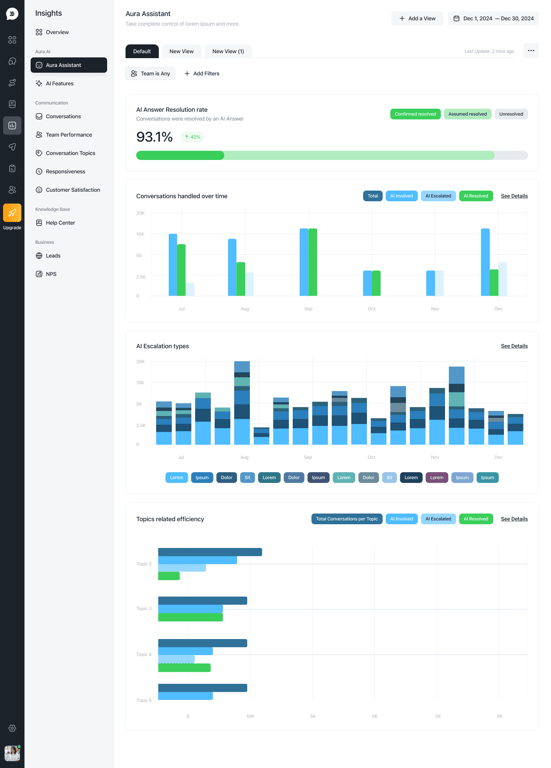
Design preview of the Aura Assistant page in Insights, with an AI answer resolution rate bar and charts for conversations handled over time, AI escalation types and topic efficiency

Related updates

See the full changelog
Product recap

May 2026: launch flows from conversations and review Aura's replies

Launch any flow from inside a conversation, rate and flag Aura's replies, tune how she answers, and route work through new public API endpoints for inboxes and segments.

  • Launch any flow from inside an open conversation and let Aura take over
  • AI Flow Builder generates multiple coordinated flows and adds an On-Demand trigger
  • Rate and flag Aura's replies, with ratings rolled up under Insights → AI Effectiveness
  • Choose whether Aura includes images, videos or help center links, and her reply length
  • Delete a conversation permanently across channels for sensitive data and GDPR
Flows & automationAura AI agentInboxReports & insightsAPI & developers
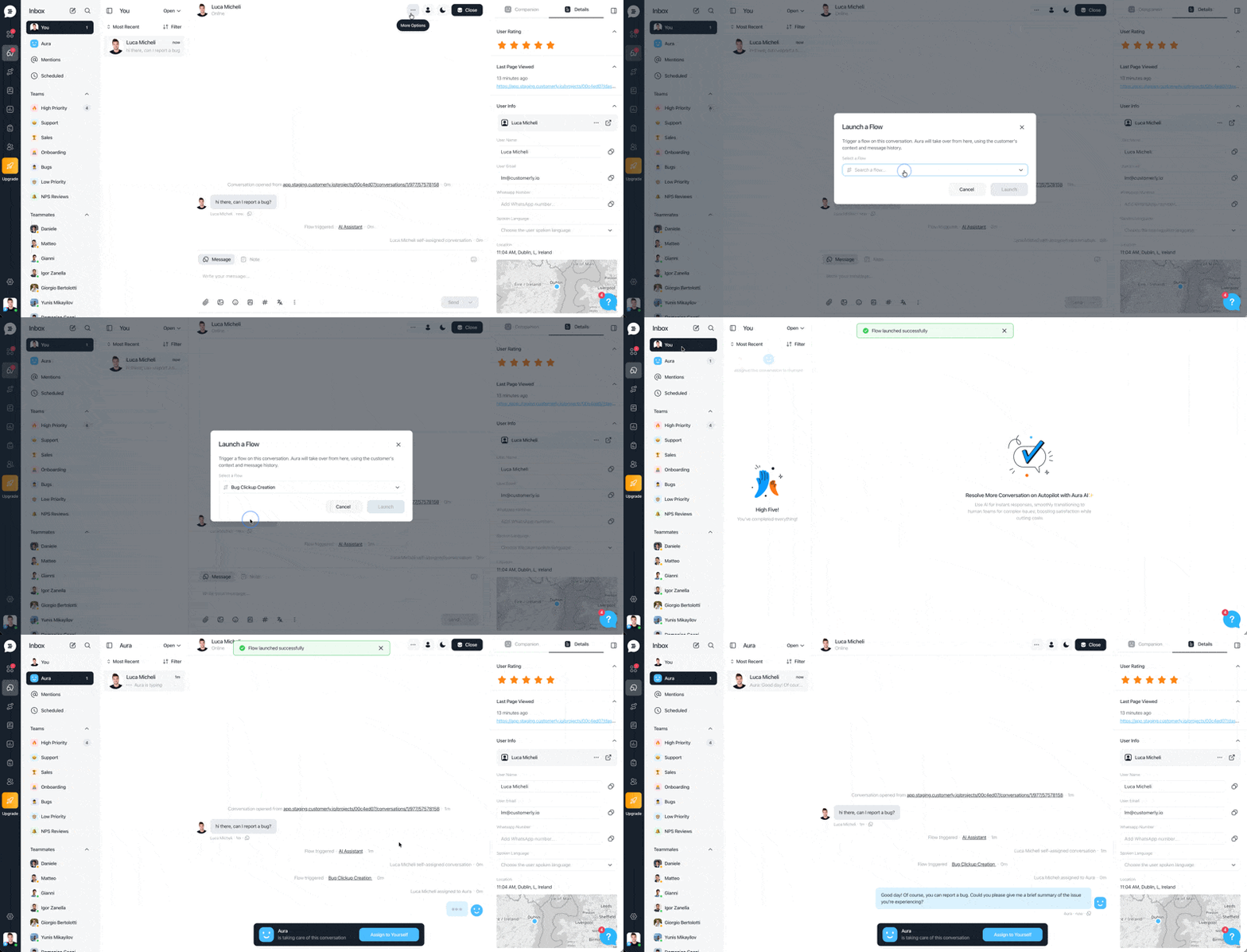
Inbox conversation where a teammate opens More options, picks Launch a Flow, selects a flow from the list, and Aura takes over the conversation once the flow launches
Product recap

June 2026: business-hours flows, a Start Conversation node and flow stats

Flows can now run only during or outside business hours, branch on the time of day, open conversations on their own and show stats for every node.

  • Schedule a flow by business hours, with time windows that can run across midnight
  • A business hours node splits one flow into an inside-hours and an outside-hours path
  • New Start Conversation node lets a flow open a conversation with a specific audience
  • Flow stats cover banners, popups and visitor-facing flows in the messenger
  • Sound notifications are back for inbox chats
Flows & automationAura AI agentReports & insightsInbox
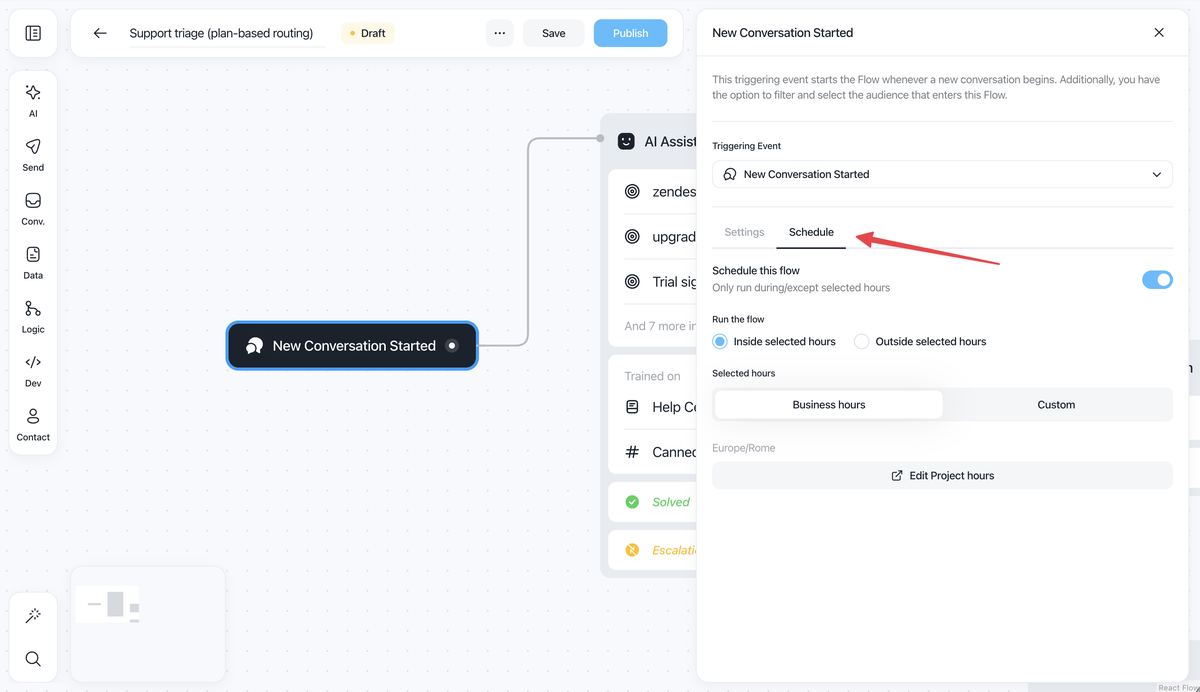
Flow builder with the New Conversation Started trigger open on the new Schedule tab, showing the Schedule this flow toggle, inside or outside selected hours, and Business hours or Custom hours
New feature

New inboxes: custom views, filters, snooze and AI conversation summaries

The redesigned inboxes are faster and add custom views and filters, snooze, unread statuses, AI summaries and an Aura AI assistant that can draft Help Center articles.

  • Create custom views and filters to organize conversations by your own rules
  • Snooze conversations and handle them later
  • Aura AI assistant uses the full conversation history for replies and expansions
  • Summarize a conversation at a glance without reading the whole thread
  • Write emails from scratch and search users and conversations more easily
InboxAura AI agent
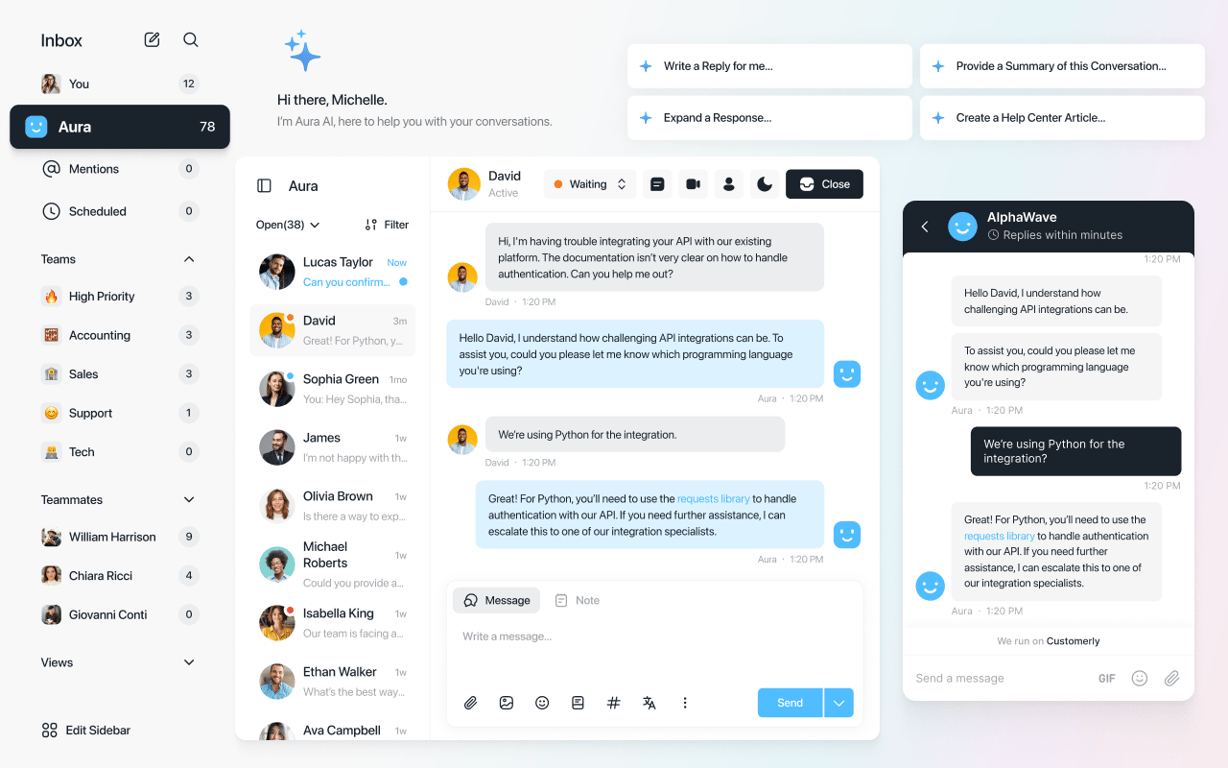
Redesigned Customerly inbox with teams, teammates and views in the sidebar, a conversation answered by Aura, the matching Messenger chat, and Aura AI shortcuts to write a reply, expand a response, summarize the conversation or create a Help Center article

AI Support That Sets You Apart.
Start Leading Today.

AI Support Software