New featureMore from January 2021

Message translator: translate incoming messages into your language

Translate any incoming customer message into your language with the Translate button below the message bubble, without leaving the conversation.

In short

  • Translate any incoming message into your language
  • One Translate button below each message bubble
  • The translation appears under the original text, labeled with its source language

You can now translate any incoming message into your language, right inside a Customerly conversation.

Translate a message from the conversation

Click Translate below the message bubble and Customerly does the work for you: the translation appears under the original text, labeled with the language it was translated from.

  • Availability: the translator was first released in the new web app, then in public beta.
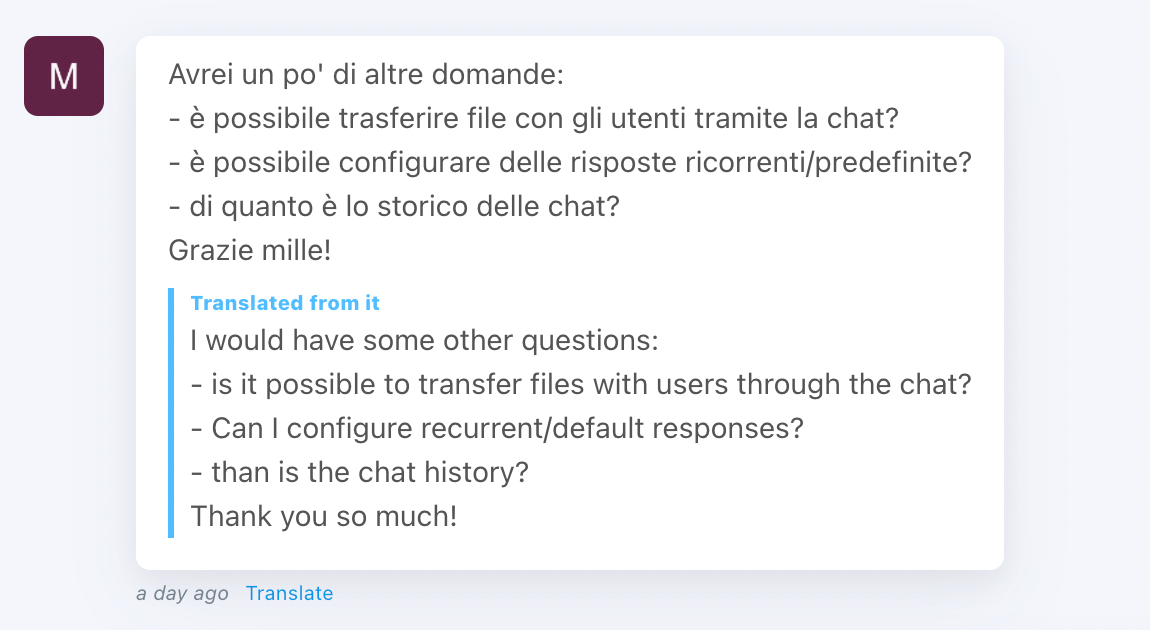
An Italian customer message in a Customerly conversation with its English translation below, labeled Translated from it, and the Translate link under the bubble

Related updates

See the full changelog
New feature

The new Customerly web app opens to the public as a beta

The new Customerly web app was partially released to the public as a beta, so any team could join and explore the new Customerly experience.

  • New Customerly web app partially released to the public
  • Open to everyone through a public beta
Platform & securityInbox
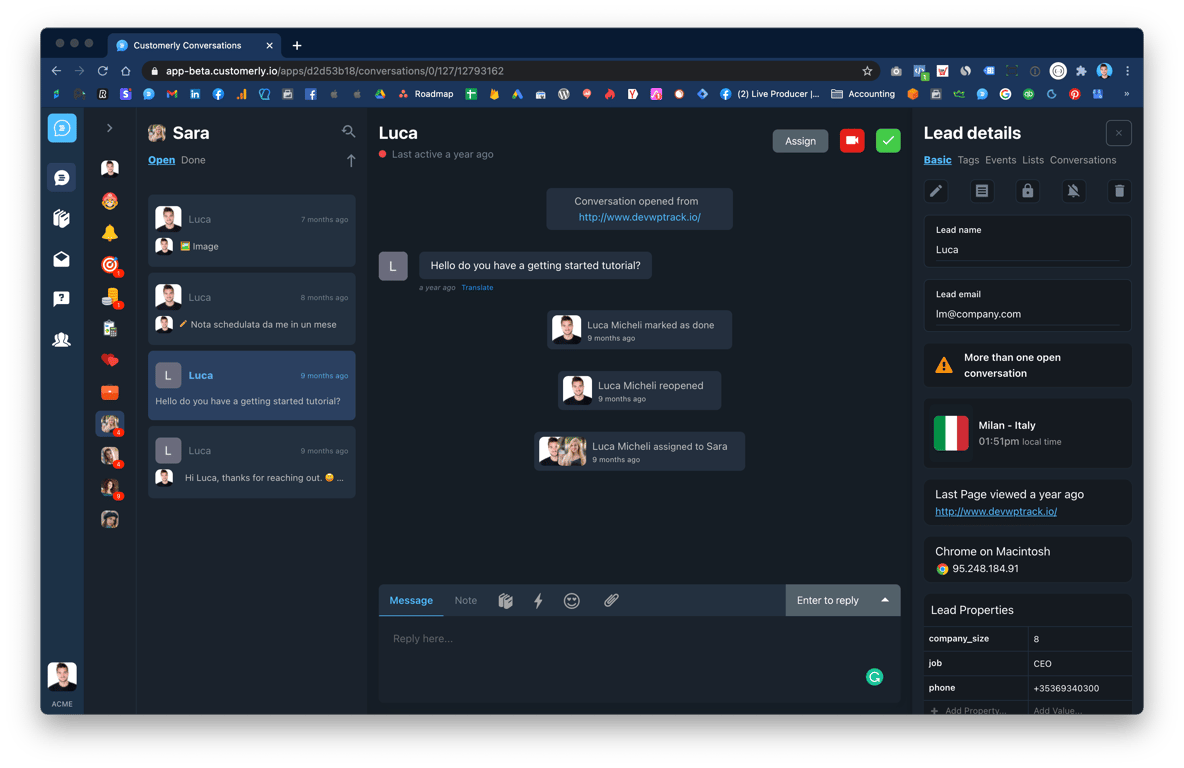
The new Customerly web app in a dark theme, showing the conversation list, an open conversation with a lead and the Lead details panel
New feature

Lock conversations to prevent duplicate replies and take over when needed

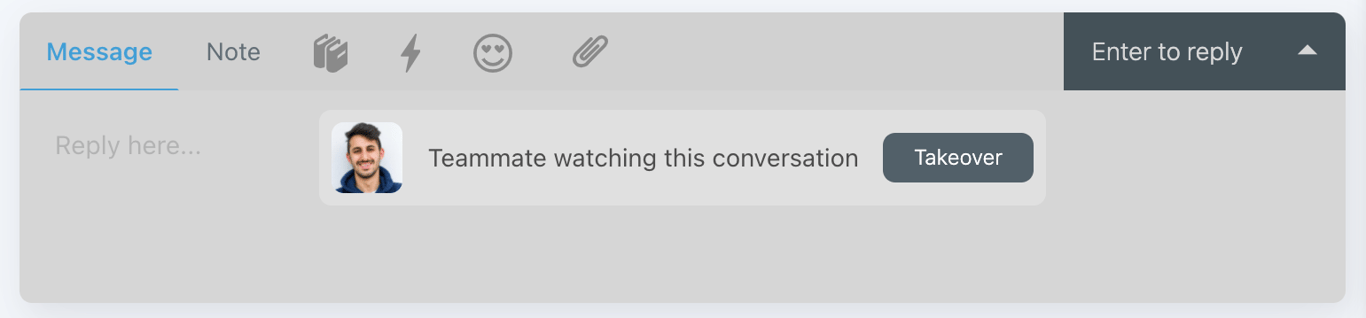
When a teammate is viewing a conversation, your reply box now locks by default to prevent duplicate answers. You can take over to unlock it and reply or add a note.

  • The reply box locks when a teammate is already looking at the conversation
  • Stops two teammates from writing the same answer at the same time
  • A Takeover button unlocks the reply box so you can reply or add a note
Inbox
A locked reply box in a Customerly conversation showing a teammate's photo, the message Teammate watching this conversation and a Takeover button
New feature

Community templates for emails, surveys, canned responses and chat triggers

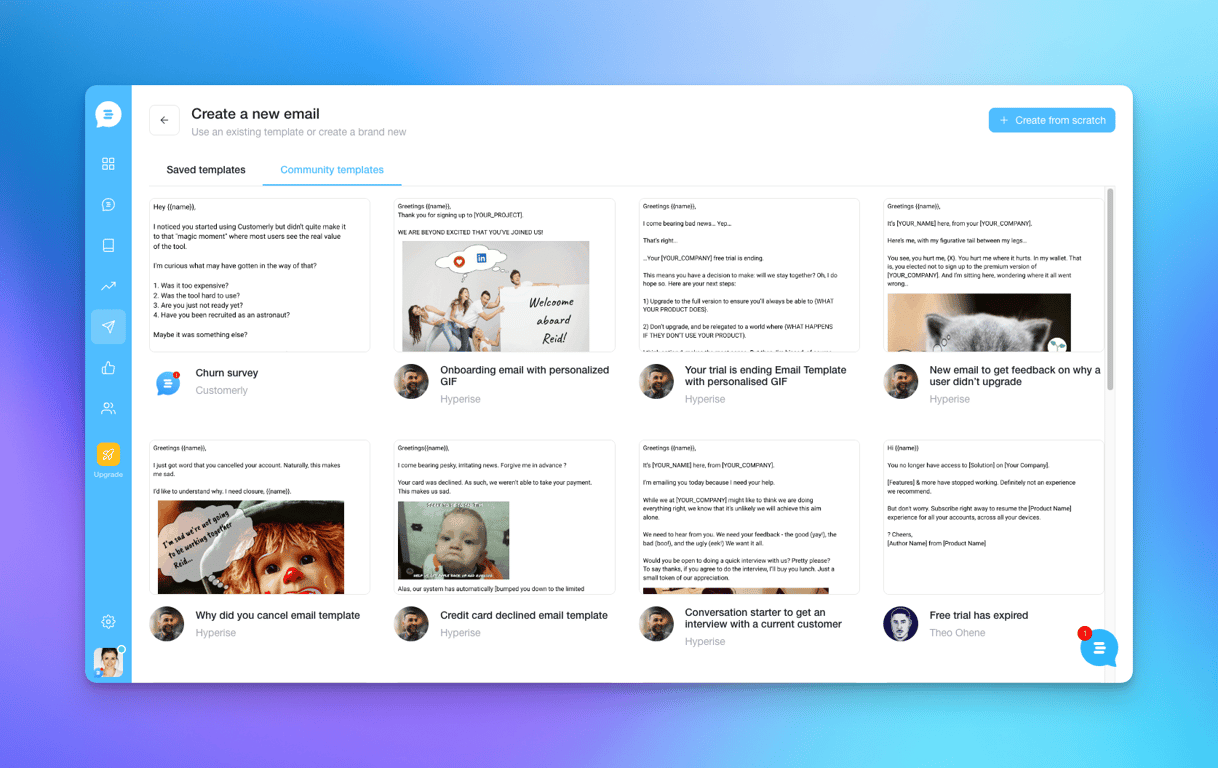
You can now start email campaigns, surveys, canned responses and chat triggers from a ready-made community template instead of writing them from a blank page.

  • Start email campaigns from a community template
  • Community templates also cover surveys, canned responses and chat triggers
  • Saved templates and community templates sit side by side when you create an email
Email marketingSurveysInboxLive chat & Messenger
The Create a new email screen in Customerly with the Community templates tab open, showing ready-made emails such as a churn survey, an onboarding email and a trial-ending email

AI Support That Sets You Apart.
Start Leading Today.

AI Support Software