New featureMore from June 2024

NPS surveys can now be delivered in the Customerly Messenger

You can now send NPS surveys through the new Messenger: turn on the Chat channel in your NPS settings and customers answer the 0–10 question right in the chat.

In short

  • NPS surveys can be delivered through the new Messenger
  • Turn it on by enabling the Chat channel in your NPS settings

You can now deliver your NPS surveys through the new Messenger. Customers answer the survey inside the chat.

Enable the Chat channel for NPS surveys

Go to your NPS settings and enable the Chat channel. The survey then shows in the Messenger, where customers pick a score from 0 to 10.

  • Where to find it: NPS settings → Chat channel
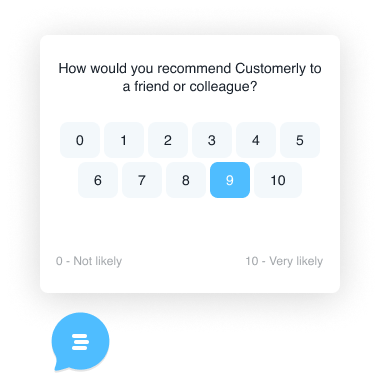
An NPS survey shown above the Messenger launcher: "How would you recommend Customerly to a friend or colleague?" with a 0 to 10 score scale, 9 selected, and labels from "Not likely" to "Very likely"

Related updates

See the full changelog
New feature

A faster, lighter Messenger with chatflows, in-chat CSAT and NPS surveys

The new Messenger, measured 30% faster at launch, is lighter and adds message formats, inline CSAT, NPS surveys, homepage logos, Help Center popups and chatflows.

  • Measured 30% faster at launch, and lighter than the previous Messenger
  • Message options: notification, banner or full screen
  • Inline CSAT at the end of conversations, plus NPS surveys
  • Your logo on the Messenger homepage and contextual Help Center article popups
  • Chatflow capabilities inside the Messenger
Live chat & MessengerSurveysFlows & automationHelp Center
New feature

Community templates for emails, surveys, canned responses and chat triggers

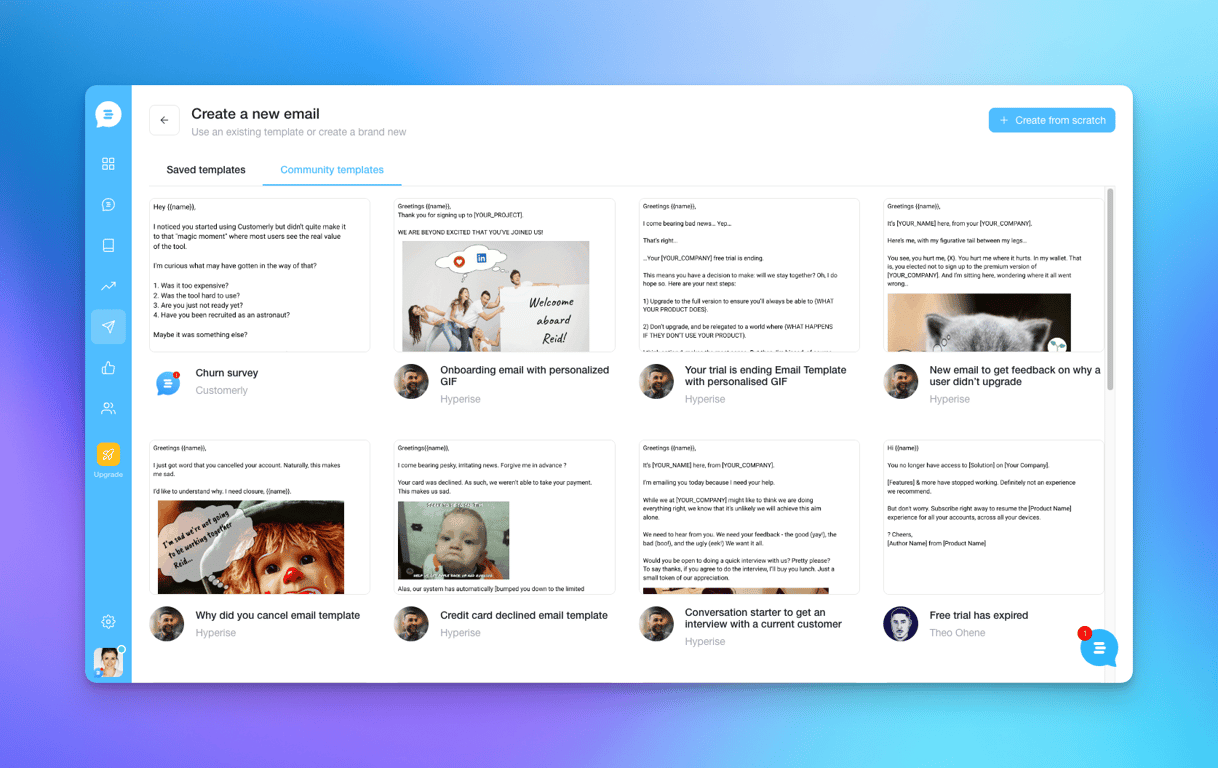
You can now start email campaigns, surveys, canned responses and chat triggers from a ready-made community template instead of writing them from a blank page.

  • Start email campaigns from a community template
  • Community templates also cover surveys, canned responses and chat triggers
  • Saved templates and community templates sit side by side when you create an email
Email marketingSurveysInboxLive chat & Messenger
The Create a new email screen in Customerly with the Community templates tab open, showing ready-made emails such as a churn survey, an onboarding email and a trial-ending email
New feature

Customer activity messages are now part of Chatflows

Legacy chat messages now live inside Chatflows, so an engaging message can lead into a flow that gathers information, assigns the chat to AI, or automates more.

  • Legacy chat messages are now available inside Chatflows
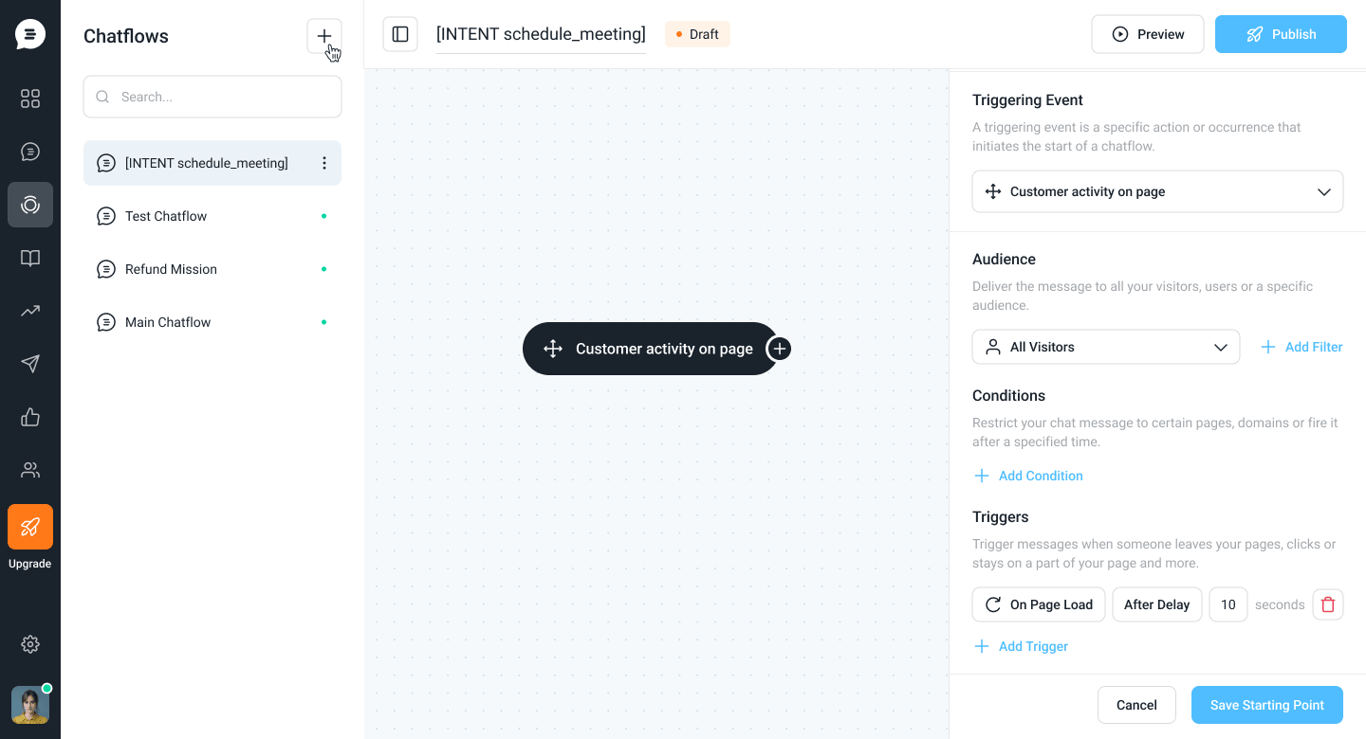
  • New chatflow starting point: Customer activity on page
  • Connect a message to a flow that gathers info, assigns to AI or automates more
Flows & automationLive chat & Messenger
Chatflow editor with a Customer activity on page starting point; the side panel sets the audience, conditions and a trigger on page load after a 10-second delay

AI Support That Sets You Apart.
Start Leading Today.

AI Support Software