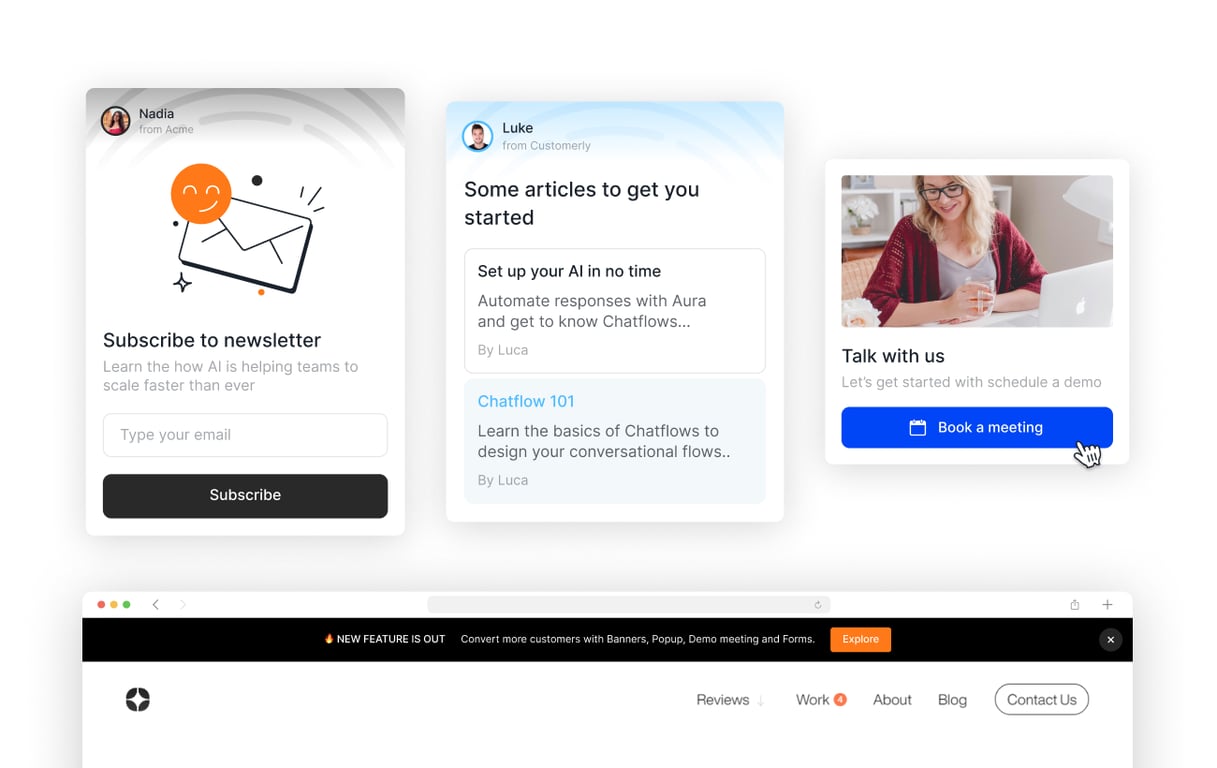
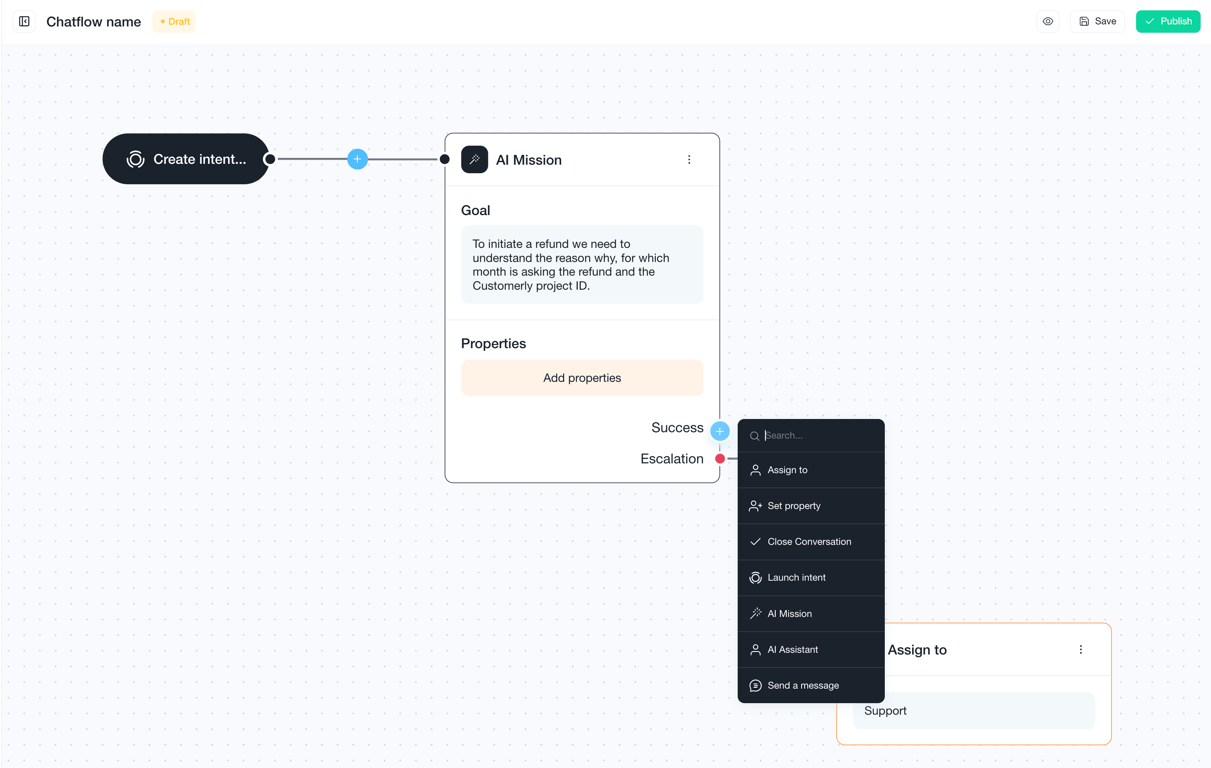
Customerly's legacy chat messages are now part of Chatflows. You can connect an engaging message to a chatflow that gathers information, assigns the conversation to AI, or runs other automation.
Start a chatflow from customer activity on a page
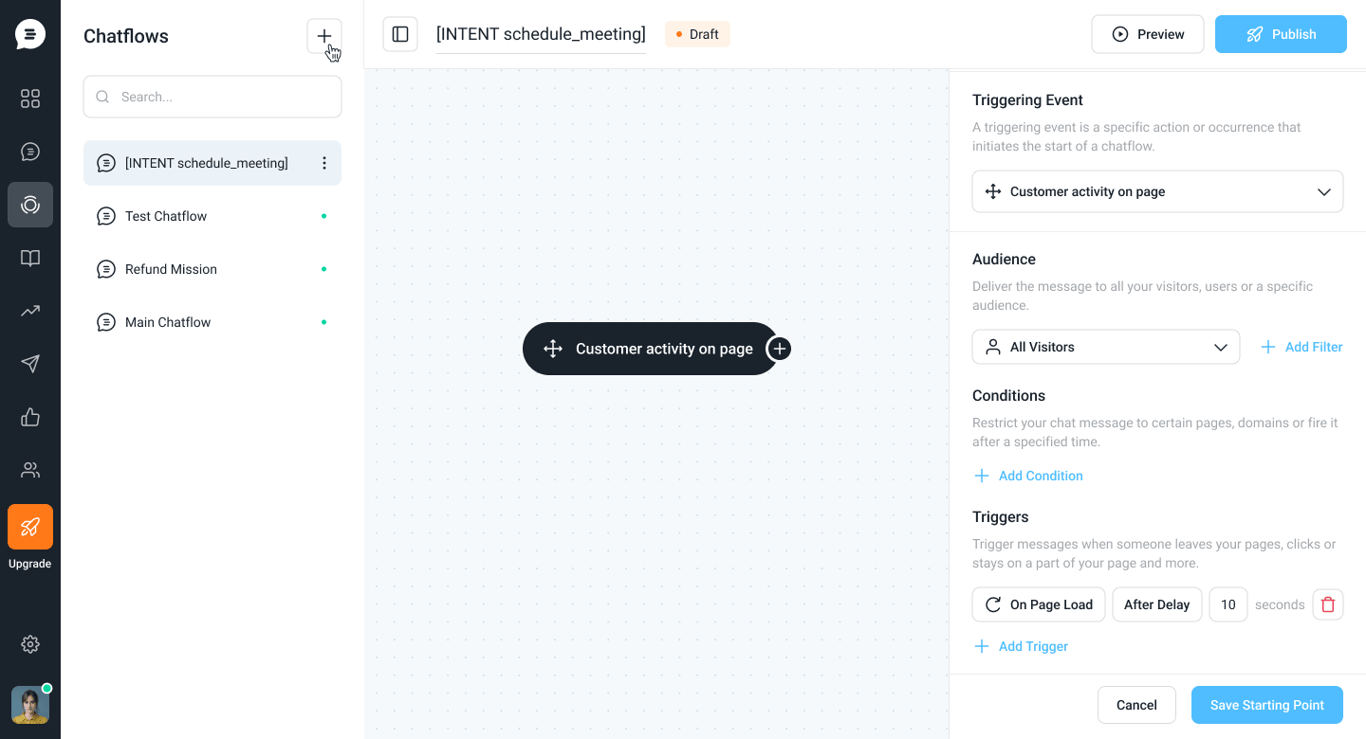
Choose Customer activity on page as a chatflow's triggering event, then connect the message to the steps that follow. In the starting point panel, you set the audience, the conditions (such as pages or domains) and the triggers (such as on page load, after a delay).