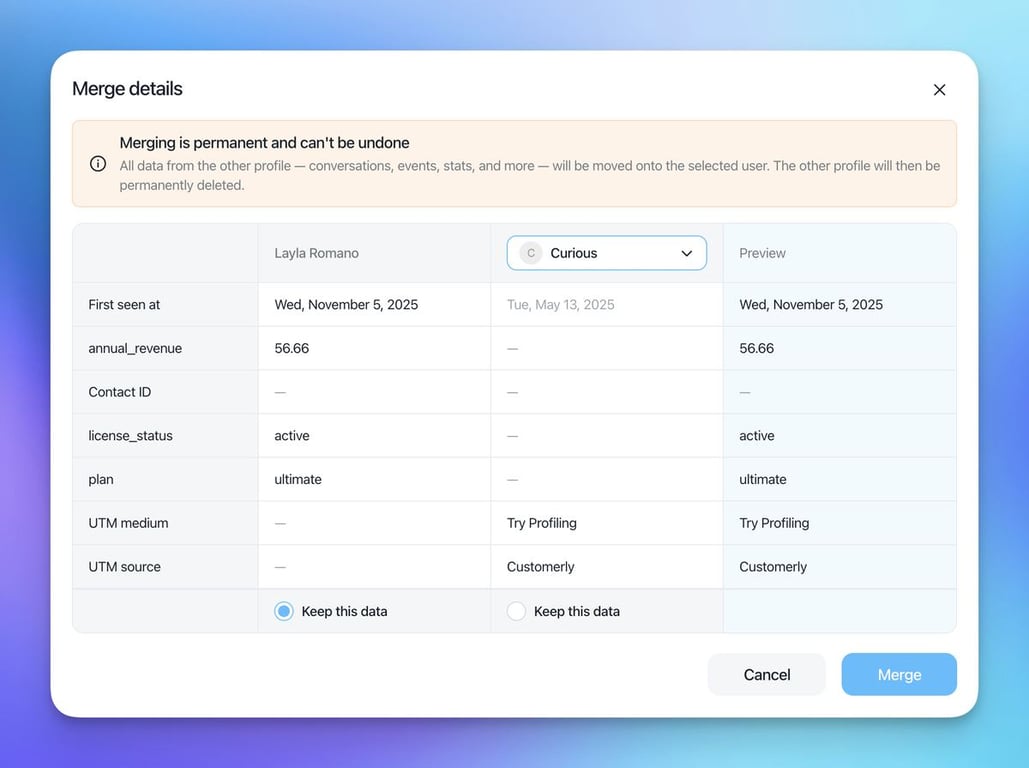
The September–October 2025 release brings approved WhatsApp templates into the Customerly Inbox, lets you start conversations from a WhatsApp number, and retries failed messages in bulk. It also adds a Company Profile page, an original email view, and a series of improvements and fixes.
WhatsApp: templates, new conversations and bulk retry
WhatsApp messaging templates and conversation starter
Send approved WhatsApp templates directly from the Inbox, or when you start a new conversation. Templates sync automatically from Meta and include a default keep_alive template, and you can jump to template editing from settings. Delivery statuses are tracked, so you always know what happened.
- Start conversations via WhatsApp number: begin a new conversation with a WhatsApp number, even if the contact isn't set up yet.
- Bulk retry for failed WhatsApp messages: resend all failed messages in one click to resolve delivery issues quickly.
Company profiles and the original email view
- Company Profile page: see a company's properties and its associated users in one place, for faster account-level insights.
- Show original email: open the original email view to inspect headers and raw content when you need to.
Improvements
- Richer message formatting: compose messages with bold, italics and bullet lists.
- WhatsApp delivery feedback: see the reason a WhatsApp message failed and retry it immediately.
- Faster conversation start: the Start Conversation modal autofills WhatsApp numbers when available, prefills from the contact page, and handles missing names gracefully.
- Mailing list feedback: you get success and error messages when you subscribe or unsubscribe contacts from mailing lists.
- Newest contacts first: contact lists now sort by newest contacts by default.
- Persistent announcements: banner chatflows stay visible until dismissed, so important messages aren't missed.
- Help Center admin: clearer error highlighting, better validation, and a preview that respects your background and text colors.
- Billing clarity: a clear VAT regime alert before billing, plus support for new VAT regime values.
- REST API viewer: displays unstructured JSON payloads more reliably.
- Emoji support: user names and avatars that include emojis render correctly across the app.
Bug fixes
- Upload image button: fixed unexpected behavior on double-click.
- Contacts table refresh: after you delete contacts, the list updates instantly, with no manual refresh.
- "Everyone" filter: now correctly switches to "All users/leads".
- WhatsApp handoff message: corrected how the message displays in a chatflow handoff.
- Help Center reliability: fixed switching from a custom domain to a subdomain, and resolved title validation and unclear error messages.
- Team management: restored checkbox behavior and fixed cache invalidation, so new teams appear immediately for chatflow escalations.
- Pasting cleanup: non-breaking spaces are removed when you paste into inputs that support variables.
- UI polish: fixed text overflow in error screens and corrected the "Conversation opened by customerly.io" label in the SDKs.
- Emoji avatars: avatars render properly when names contain emojis.
- Email templates: no more false "unsaved changes" alerts after saving.
Behind the scenes
- WhatsApp integration foundations: groundwork for the WhatsApp integration.
- Infrastructure hardening: reorganized load balancers for chat, websockets and services.
- Mobile deep links: app linking from the website.
- Database upgrades: updated collation and indexes to support emoji names and improve stability.
- Intercom import: support for sub-collections and edge cases, including conversations with users who have no email or phone, for smoother migrations.