

Best AI Helpdesk Software in 2026: 10 Tools Compared

The best AI helpdesk software depends on one question: who does the first reply, and how do you pay for it? In some tools an AI agent resolves conversations and you pay per resolution. In others the AI is a copilot for your agents, or an add-on you license separately. This guide compares ten tools on exactly that, plus channels, entry price and the team each one fits.
AI helpdesk software is customer support software in which an AI agent answers incoming conversations first and human agents work in the same inbox for everything the AI cannot close. It covers email, chat, WhatsApp and in-app messages, ticketing, routing and reporting. It is built for customer support teams answering customers, not for IT service desks, which handle employee requests such as laptops, access and incidents, and run on ITSM processes like ITIL.
We make Customerly, so it comes first and we say where it is not the right pick. Every price below comes from the vendor's own public pricing or documentation page, checked in October 2026. Prices change, so confirm before you buy.
AI helpdesk software compared at a glance
| Tool | AI agent | Channels | How AI is priced | Entry price | Best for |
|---|---|---|---|---|---|
| Customerly | Included (Aura) | Live chat, email, WhatsApp, Messenger, in-app iOS/Android | $0.45 per AI conversation prepaid ($0.50 on demand); credits included in plans | $19/seat/month ($16 billed yearly); free plan | SaaS and EU teams wanting AI that acts, with predictable cost |
| Zendesk | Included in all plans | Email; chat, messaging and phone from Suite Team | $1.50 per automated resolution committed, $2.00 pay-as-you-go, after 5-10 included per agent | $19/agent/month billed yearly | Large teams needing depth and a big app ecosystem |
| Intercom | Fin, per outcome (works with other helpdesks) | Live chat, email, in-app; WhatsApp, SMS and phone usage-based | $0.99 per outcome | $19/seat/month for new customers ($29 list) | Product-led companies that live in chat |
| Freshdesk | Freddy AI Agent, per session | Email, messaging, web widget | First 500 sessions included, then $49 per 100 sessions | $19/agent/month billed yearly | Teams moving off a basic shared inbox |
| Help Scout | AI Answers add-on | Email; chat, SMS, WhatsApp, Instagram and Messenger on paid plans | $0.75 per resolution | $25/user/month | Small teams that want a simple, email-first inbox |
| Front | Autopilot add-on | Single channel type on Starter, omnichannel on Professional | From $0.05 per conversation | $25/seat/month billed yearly | Teams sharing email-style inboxes |
| HubSpot Service Hub | Customer Agent, on HubSpot Credits | Live chat, email, forms, calling, WhatsApp | 50 credits ($0.50) per resolved text conversation | Free (2 users); Starter from $20/seat/month | Teams already running HubSpot CRM |
| Zoho Desk | AI Agents (Express and up), Zia | Email and social; chat and messaging from Standard | Free tokens included, bring-your-own-key option | Free plan (3 users); paid plans regional | Budget-conscious teams in the Zoho ecosystem |
| Gorgias | AI Agent | Email, live chat, social, contact form, TikTok Shop | $0.90 per automated interaction (annual contract), $1.00 monthly | $10/month for 50 tickets | Shopify and ecommerce brands |
| Kustomer | AI agents and assistants (Concierge, Architect, Envoy) | Chat, email, text, voice, Slack, WhatsApp, Instagram, Facebook | Quote only | Not published | Large teams that need a customer-data timeline |
One caution before the details: AI pricing units differ. Zendesk charges per automated resolution, Intercom per outcome, Freshdesk per session, Gorgias per automated interaction, Customerly per AI conversation. They are not the same thing, which we come back to below.
1. Customerly: best AI helpdesk for SaaS teams that want AI to act
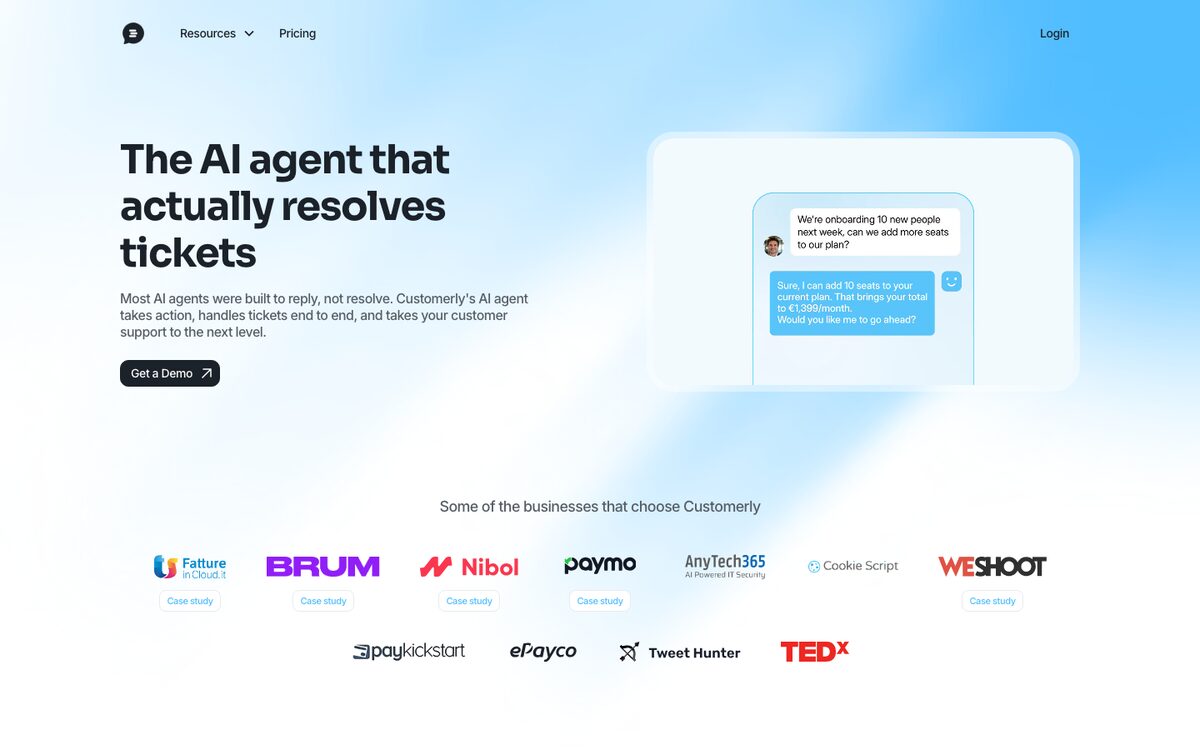
Customerly is our AI helpdesk software: a shared inbox for live chat, email, WhatsApp, Facebook Messenger and in-app messages from iOS and Android apps, with Aura, the AI agent, answering first on every channel. Aura reads your help center and documents, and with AI Missions it can call your own REST APIs to do the work: reset a password, look up an invoice, change a plan. Aura resolves 72% of conversations on average across Customerly customers. That is an average, and your number depends on how good your help center is and how many of your questions are repeat questions.
For the conversations that reach people, the inbox gives agents the customer profile, company data and history, plus an AI Companion that drafts replies, adjusts tone, translates and summarises long threads. Aura works as a standalone AI customer support agent too, if you want to keep your current helpdesk.
Pricing (checked on customerly.io, October 2026):
- Core $19 per seat per month ($16 billed yearly), Growth $69 ($59), Ultimate $99 ($84), with 10, 20 and 50 AI conversations included per month.
- Extra AI conversations cost $0.45 each when bought in advance and $0.50 on demand. Credits never expire and AI usage never requires more seats.
- A free plan and a 14-day trial of paid features are available.
- A conversation counts as one AI conversation as soon as Aura takes part, whether or not it resolves. At the 72% average, $0.45 per AI conversation works out to about $0.63 per resolved conversation, which is the number to compare with per-resolution prices.
Where it fits: customer data is hosted in the EU (AWS, Dublin), which matters for GDPR and the EU AI Act. Migration from Zendesk, Intercom, HubSpot and Freshdesk is assisted at no cost.
Where it does not: phone is not a native channel today, so a team that runs support mainly on voice, or that needs ITIL-style workflows for thousands of agents, will be better served by one of the larger platforms below.
2. Zendesk: best for large teams that need depth
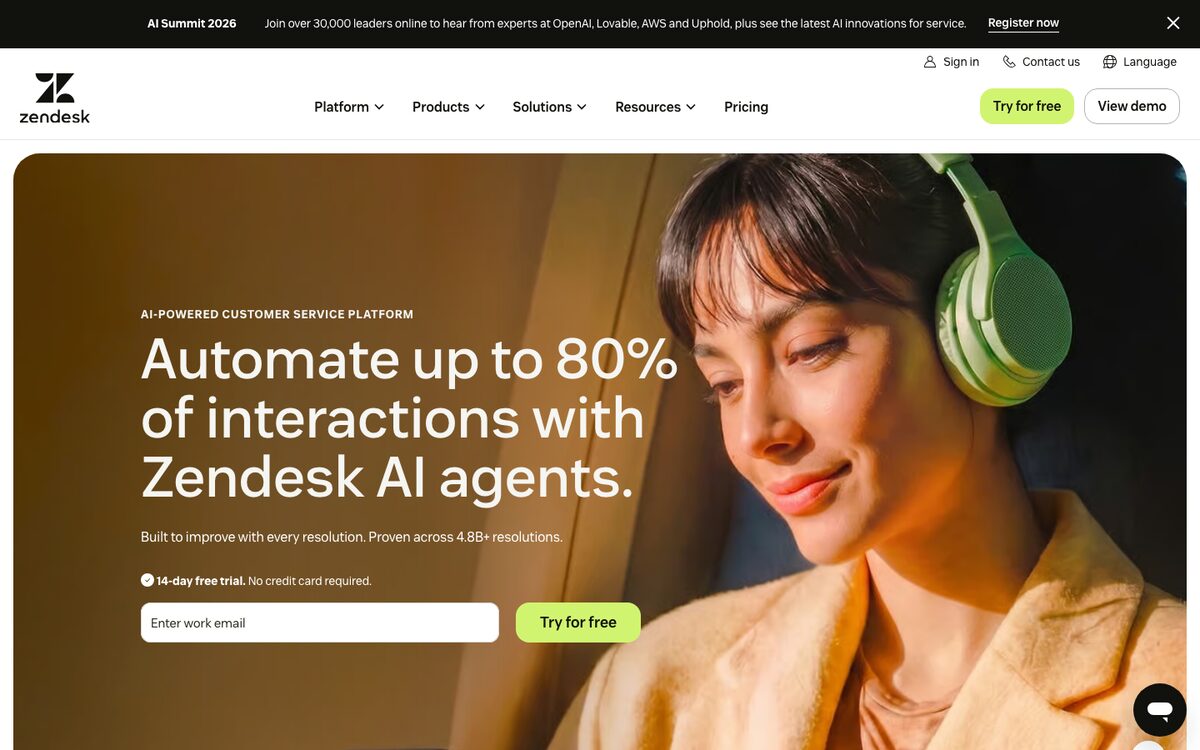
Zendesk is the reference ticketing platform. AI agents are included in every plan, and pricing was last checked on zendesk.com/pricing.
- Plans: Support Team $19, Suite Team $55 and Suite Professional $115 per agent per month billed yearly ($25, $69 and $149 billed monthly). Suite Enterprise is quote-only.
- AI: 5 automated resolutions per agent per month are included on Support Team and Suite Team, 10 on Suite Professional. Beyond that, a resolution costs $1.50 committed in advance or $2.00 pay-as-you-go.
- Copilot: AI assistance for human agents is a separate $50 per agent per month, paid yearly.
- Channels: email and ticketing on Support Team; messaging, live chat and telephony arrive with Suite Team.
Strengths: depth of configuration, reporting, and a large marketplace. Watch out for: costs that grow with seats, add-ons and verified resolutions at once. We walked through a 20-agent example in Zendesk pricing in 2026.
3. Intercom: best for product-led companies that live in chat
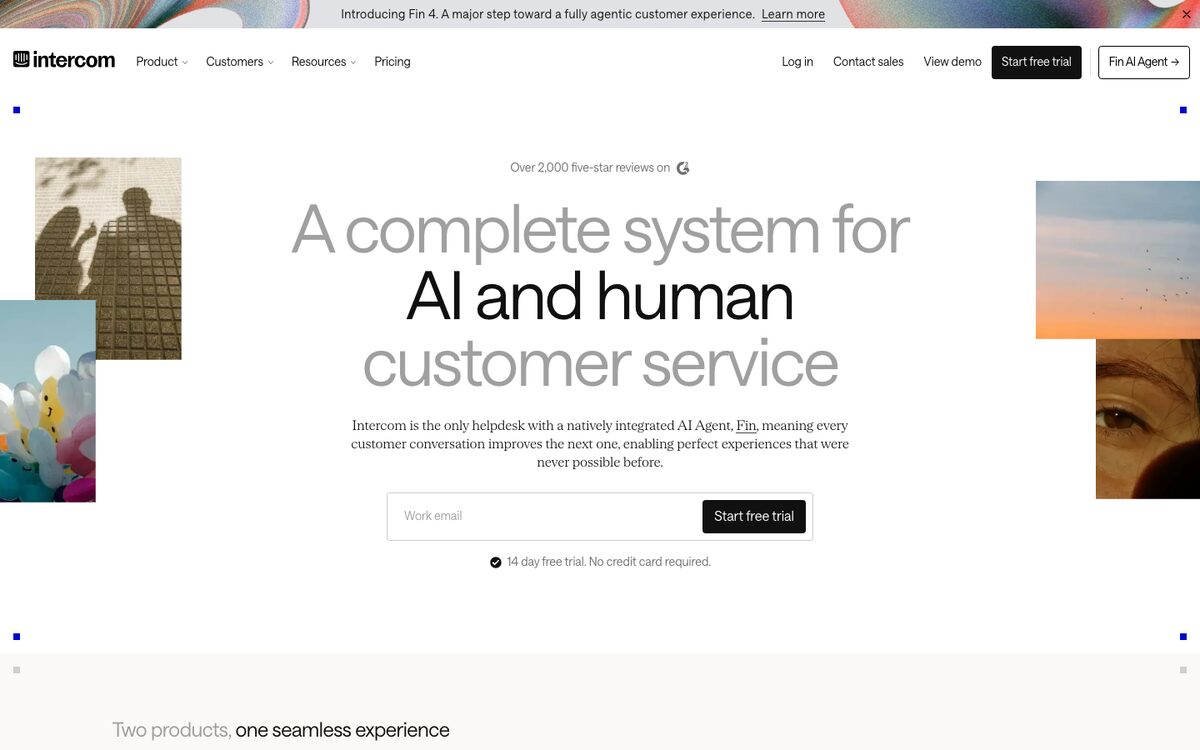
Intercom pairs a messenger-first helpdesk with Fin, its AI agent. Prices checked on intercom.com/pricing.
- Plans: Essential is shown at $19 per seat per month for new customers (the page lists $29 as the regular price), Advanced $85 and Expert $132. Advanced and Expert include free Lite seats.
- AI: Fin costs $0.99 per outcome on all plans, and can also be bought to run on top of another helpdesk, with a minimum monthly commitment. An outcome is counted when the customer confirms the issue is resolved, stops asking for help after Fin responds, or Fin completes a workflow including a hand-off. Each conversation is charged once.
- Channels: live chat, support email and in-app chat are included; WhatsApp and SMS are charged per message and phone is usage-based.
Strengths: polished messenger, strong product tours and outbound. Watch out for: the "stops asking for help" outcome means a customer who gave up can still be billed. See Intercom pricing explained for how this adds up.
4. Freshdesk: best for teams moving off a shared inbox
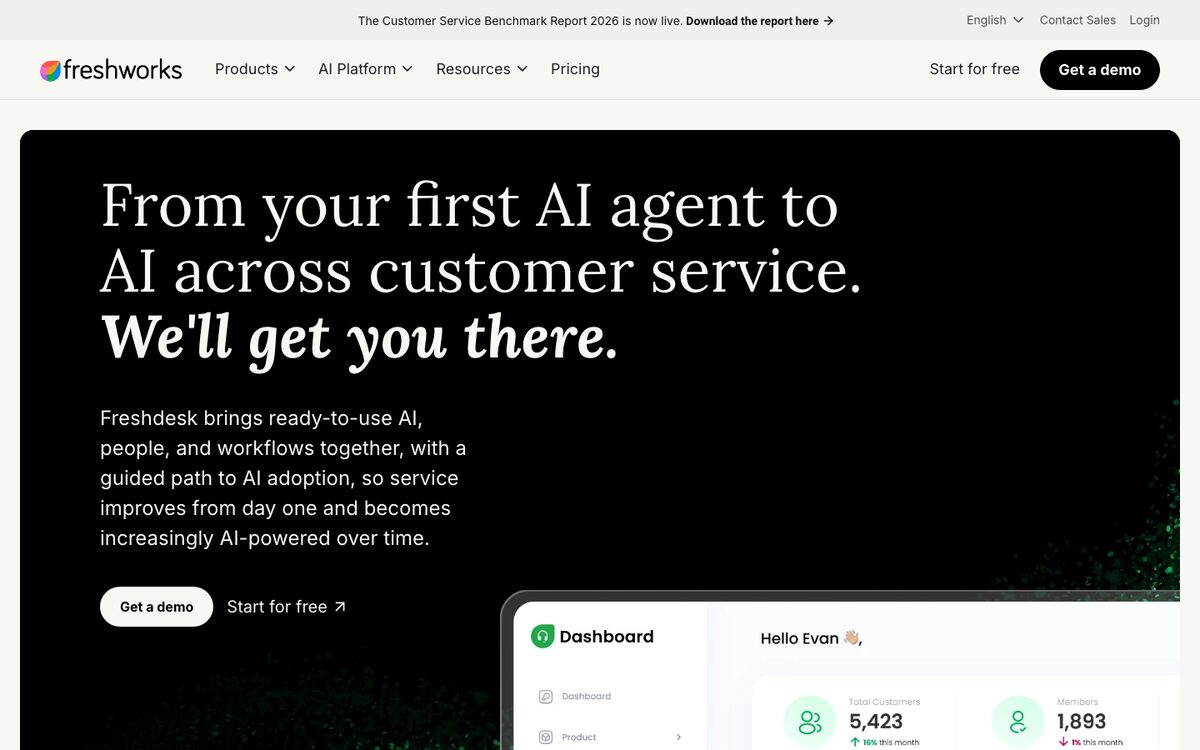
Freshdesk by Freshworks is the classic budget ticketing tool, now with Freddy AI. Checked on freshworks.com/freshdesk/pricing.
- Plans: Growth $19, Pro $55 and Enterprise $89 per agent per month billed annually. New accounts get a 14-day trial of the Enterprise plan.
- AI: each plan includes the first 500 Freddy AI Agent sessions; extra sessions cost $49 per 100. A session is a unique interaction between a customer and the AI agent, which is not the same as a resolution. The Freddy Copilot add-on for agents is $29 per agent per month on Pro and Enterprise.
- Channels: email-first, with a shared inbox, messaging and a web widget described on the pricing page.
Strengths: low entry price and a familiar ticketing model. Watch out for: per-session pricing makes cost per resolved conversation harder to predict, and the best AI features sit on the higher plans. For the head-to-head with Zendesk, see Zendesk vs Freshdesk.
5. Help Scout: best for small teams that want a simple inbox
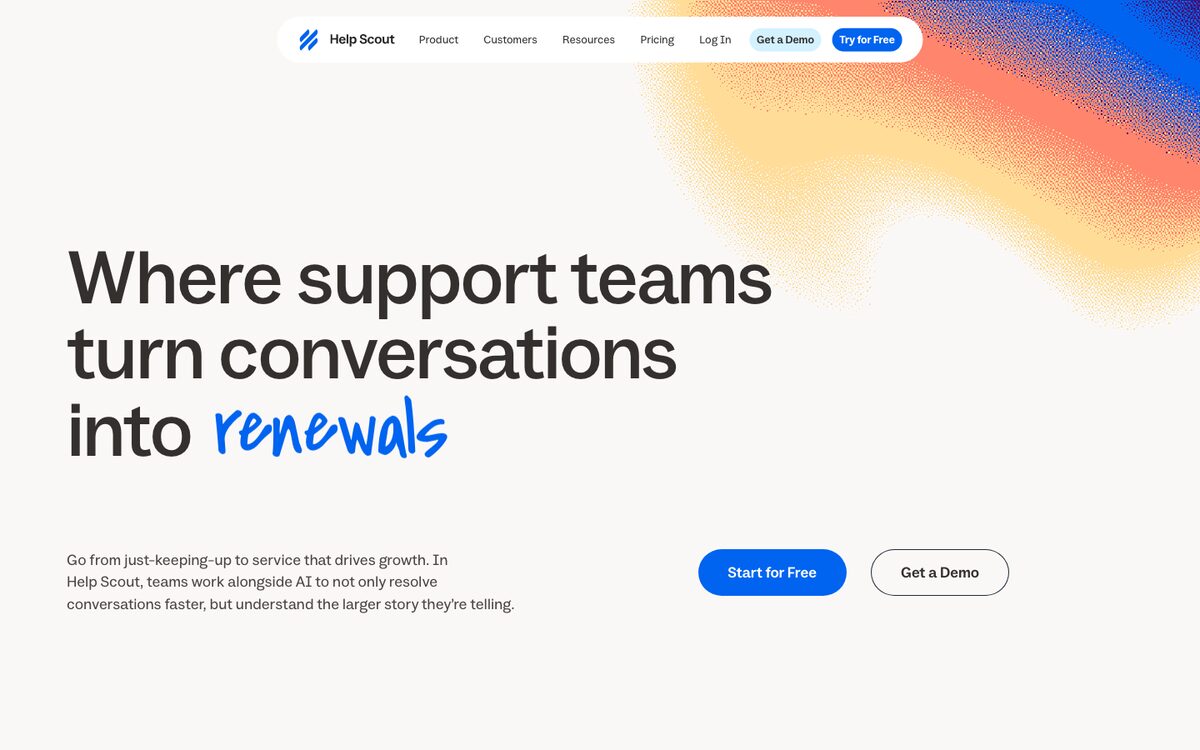
Help Scout keeps support human and email-first, and added AI as a metered add-on. Checked on helpscout.com/pricing.
- Plans: Standard $25, Plus $45 and Pro $75 per user per month (the page offers annual billing at 16% off). A free plan exists for small teams.
- AI: AI Answers costs $0.75 per resolution, with a monthly spending cap you can set and 3 months of unlimited AI Answers for new accounts.
- Channels: email on every plan; live chat, SMS, WhatsApp, Instagram and Messenger on paid plans; phone through integration.
Strengths: clean interface, easy to adopt, built-in help docs. Watch out for: limited automation depth compared with ticketing suites, and AI that is an add-on rather than the core of the product.
6. Front: best for teams that work like a shared email inbox
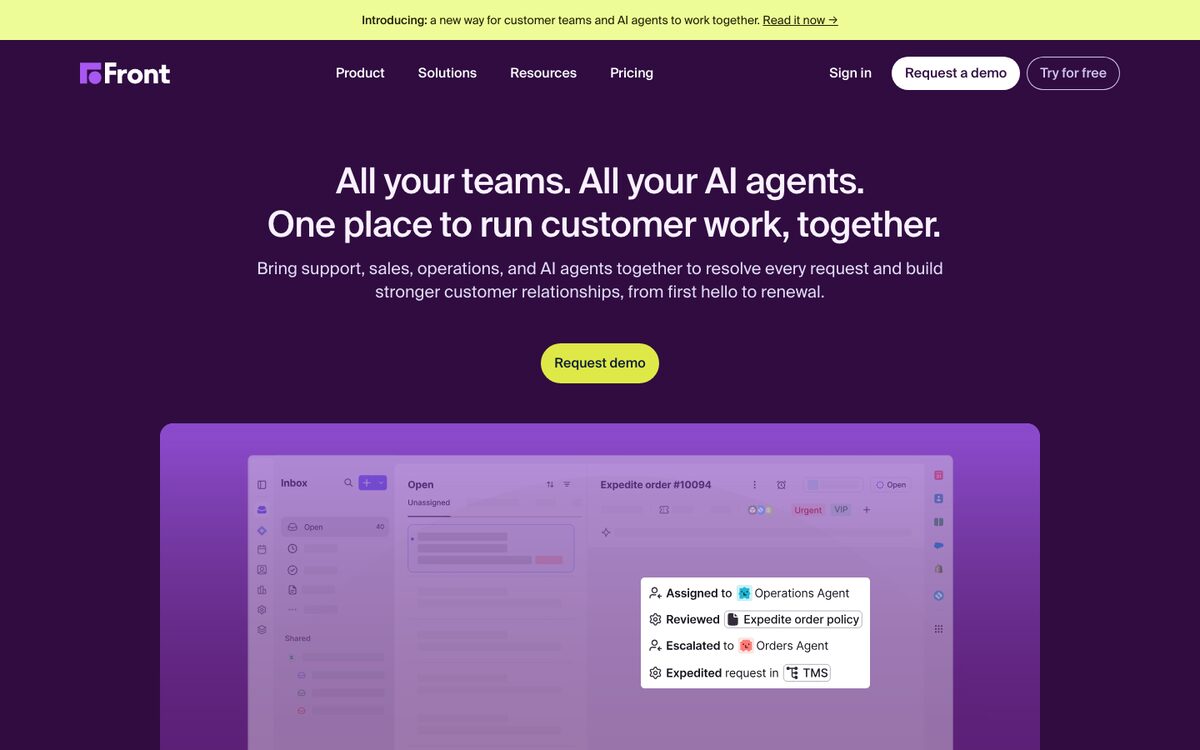
Front turns support into a collaborative inbox with comments, assignment and rules. Checked on front.com/pricing.
- Plans: Starter $25 (up to 10 seats), Professional $65 (up to 50 seats) and Enterprise $105 per seat per month billed annually.
- AI: Autopilot, the AI agent, starts at $0.05 per conversation on all plans according to Front's page, which counts conversations rather than resolutions. Copilot is $20 per seat per month on Starter and Professional and included in Enterprise.
- Channels: Starter covers a single channel type; Professional and Enterprise are omnichannel. Native WhatsApp is available on Professional and Enterprise with Meta costs plus a 20% admin fee.
Strengths: internal collaboration on customer threads. Watch out for: limits on seats and channels per tier, and the "starts at" AI price, so ask for a quote on your volume.
7. HubSpot Service Hub: best if HubSpot is already your CRM
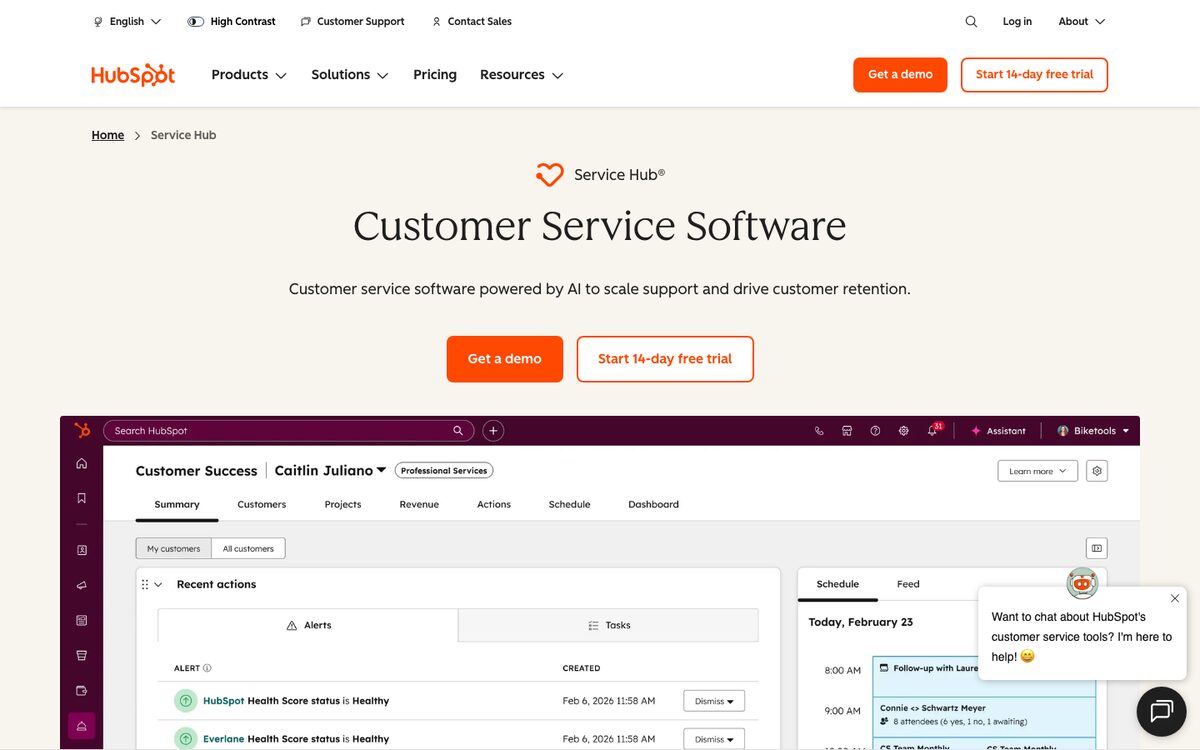
Service Hub puts ticketing and a Customer Agent next to HubSpot's CRM data. Checked on hubspot.com/pricing/service and HubSpot's product catalog.
- Plans: a Free plan covers up to 2 users. Starter Core Seats are $20 per seat per month; Professional and Enterprise Service Seats are $100 and $150 per seat per month at list prices, with one-time onboarding fees of $1,500 and $3,500 on those two. HubSpot shows lower figures for annual commitments.
- AI: Customer Agent runs on HubSpot Credits, at $0.01 each. The catalog lists 50 credits to resolve one text conversation, or $0.50. Plans include 500, 3,000 and 5,000 credits a month on Starter, Professional and Enterprise.
- Channels: live chat on all plans; the Customer Agent works across chat, email, forms and calling.
Strengths: support, sales and marketing share one customer record. Watch out for: credits are shared with other HubSpot AI features, and seat plus onboarding costs rise quickly.
8. Zoho Desk: best for budget teams in the Zoho ecosystem
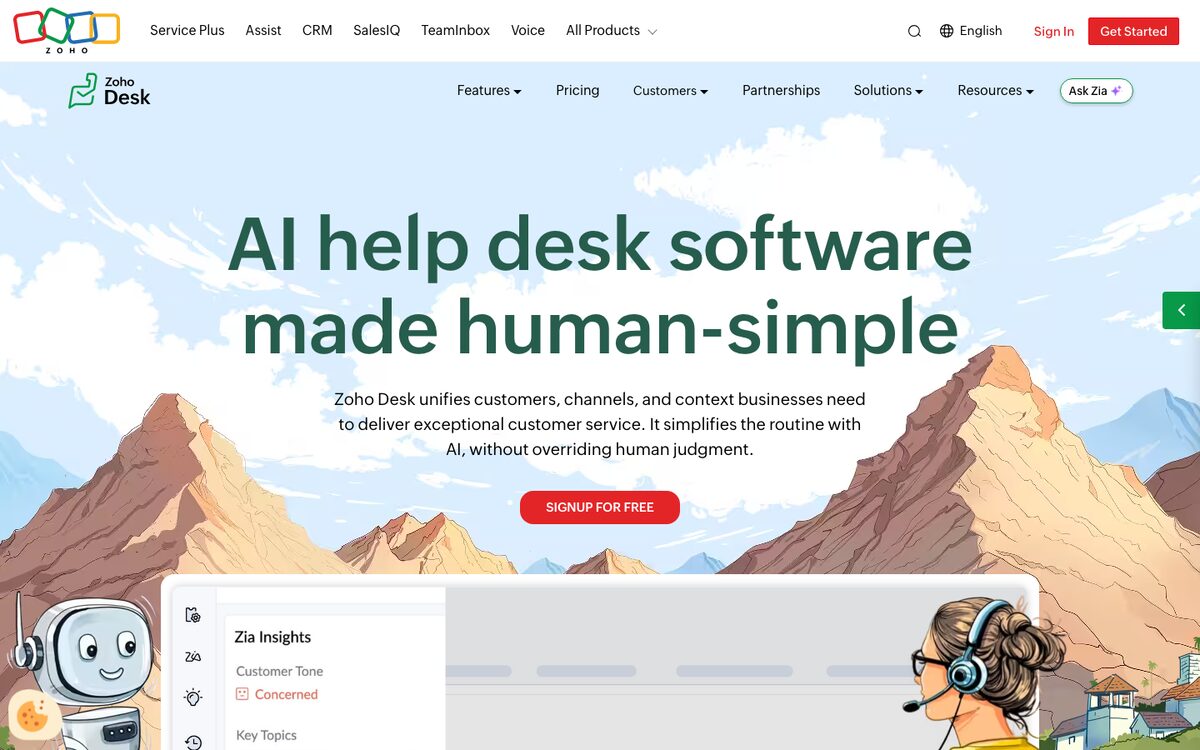
Zoho Desk is a full ticketing tool with a low price ladder. Checked on zoho.com/desk/pricing.
- Plans: a free forever plan for 3 users, then Express, Standard, Professional and Enterprise. Zoho localises prices; the India page shows ₹420, ₹800, ₹1,400 and ₹2,400 per user per month billed annually, so check the page for your region.
- AI: AI Agents are available from Express with up to 30M free tokens a month, and you can bring your own OpenAI or DeepSeek key. Answer Bot arrives on Standard, and Zia, Zoho's AI assistant, on Professional.
- Channels: email, social and web forms on Express; a live chat widget and messaging apps on Standard; telephony on Professional; multi-level IVR on Enterprise.
Strengths: price and the connection to other Zoho apps. Watch out for: the AI features are spread across tiers, so map the ones you need to a plan before comparing prices.
9. Gorgias: best for Shopify and ecommerce brands
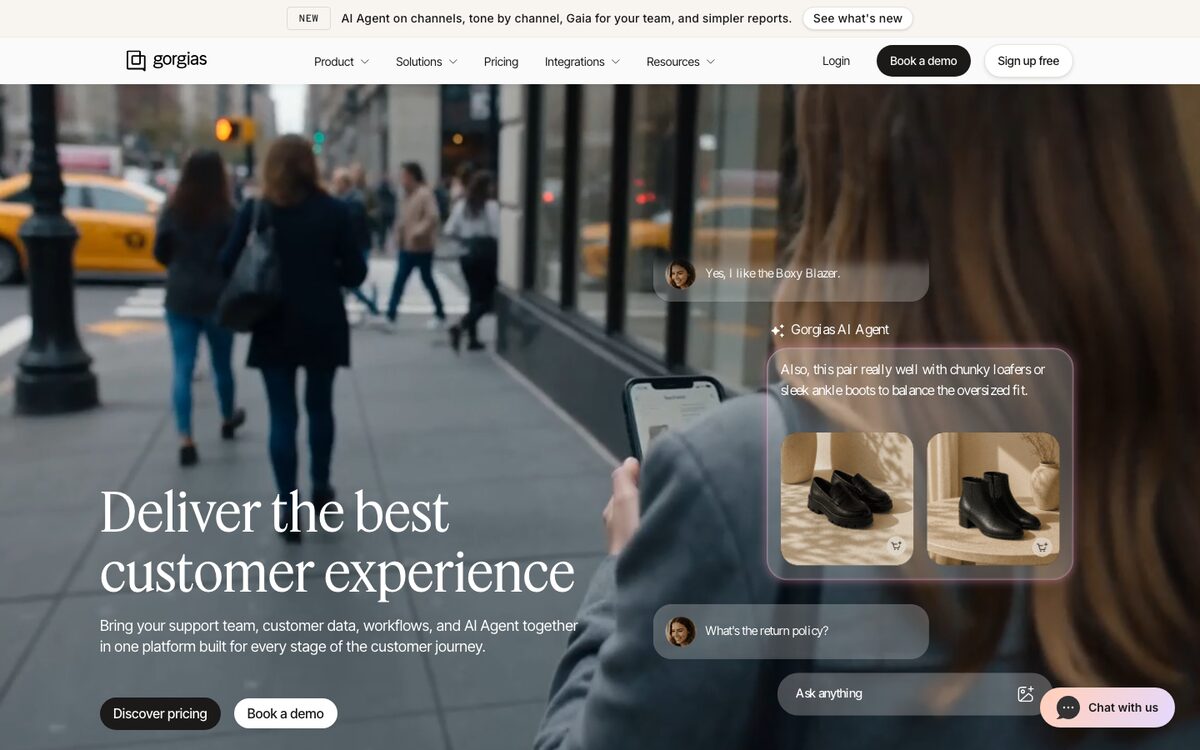
Gorgias is built for online stores, with order data inside the ticket. It prices by ticket volume rather than by seat. Checked on gorgias.com/pricing.
- Plans: Starter $10 per month (50 tickets, monthly billing only), Basic $50 billed annually or $60 monthly (300 tickets), Pro $300 or $360 (2,000 tickets) and Advanced $750 or $900 (5,000 tickets). Extra tickets cost $0.36 to $0.40. Enterprise is custom.
- AI: AI Agent costs $0.90 per automated interaction on an annual contract and $1.00 monthly. Interactions above a plan's included allowance are billed at $1.50.
- Channels: email, live chat, social, contact form and TikTok Shop; SMS and voice are usage-priced add-ons.
Strengths: order and refund actions inside tickets. Watch out for: it is designed for ecommerce and Shopify, so it is a weak fit for a SaaS product team.
10. Kustomer: best for large teams that need a full customer timeline
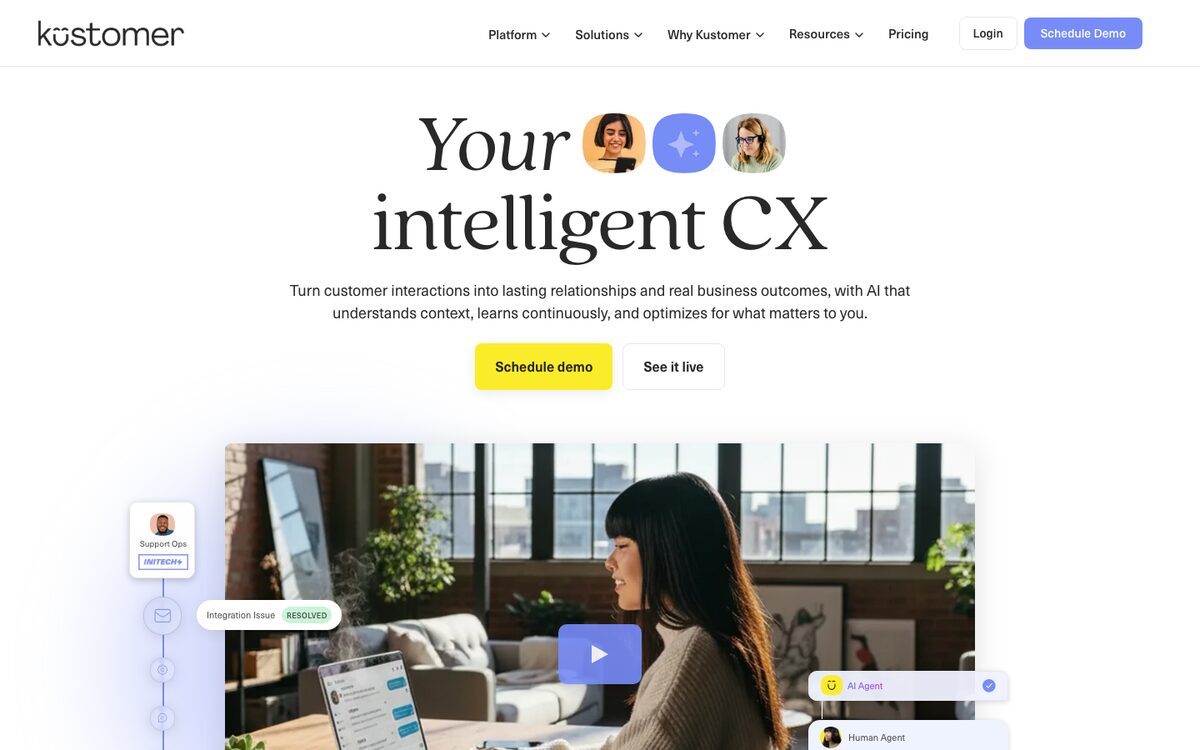
Kustomer organises support around a customer record, with conversations, orders and events on one timeline. Checked on kustomer.com/pricing.
- Plans: Kustomer says it does not post one-size-fits-all pricing, so seat and AI prices are quote-only.
- AI: the site names Kustomer Concierge, Architect and Envoy plus assistants for knowledge base, search and workflows, with smart routing and AI evaluations.
- Channels: chat, email, text, voice, Slack and forms, plus WhatsApp, Instagram, Facebook and TikTok Shop within account limits. Voice and WhatsApp usage is pay-as-you-go.
Strengths: a deep customer data model and an enterprise feature set. Watch out for: no published price, so the evaluation needs a sales process.
What does a resolved AI conversation really cost?
The unit of billing changes the bill more than the headline number. This table lists the published AI price next to what the vendor counts.
| Tool | AI price | What is counted |
|---|---|---|
| Customerly | $0.45 prepaid, $0.50 on demand | Any conversation Aura takes part in (about $0.63 per resolved at a 72% average) |
| HubSpot | $0.50 (50 credits) | One resolved text conversation |
| Help Scout | $0.75 | One resolution |
| Gorgias | $0.90 to $1.00 | One automated interaction |
| Intercom | $0.99 | One outcome (confirmed, abandoned or workflow completed) |
| Zendesk | $1.50 committed, $2.00 pay-as-you-go | One automated resolution verified by an LLM |
| Freshdesk | About $0.49 ($49 per 100) | One AI agent session |
| Front | From $0.05 | One conversation |
Take your last month of conversations, assume the AI resolves the share the vendor claims and apply each formula. Then run the same sample through two vendors in a trial: the real resolution rate on your questions decides the bill.
How to choose AI helpdesk software: a checklist
- Count your channels. List where customers write today (email, chat, WhatsApp, in-app, phone) and check that each is native, not an add-on.
- Ask what the AI can do, not what it can say. Can it call your APIs to reset a password or issue a refund, or does it only quote articles?
- Check the billing unit. Resolution, outcome, session, conversation or ticket? Model it on your own volume.
- Test on real tickets. Run 100 of your recent conversations through a trial and count how many the AI really closes.
- Make sure a human can step in. You should be able to take over any conversation and see why the AI escalated.
- Look at the seat model. Check whether AI usage forces extra seats or add-ons for every agent.
- Verify data location and compliance. Ask where data is stored, which sub-processors are used and how the vendor handles GDPR and the EU AI Act.
- Plan the migration. Ask whether the vendor imports your help center and history, and for how much.
- Check languages. Confirm the AI answers in the languages your customers write in.
- Ask about exit. See whether you can export your data and run the AI on another helpdesk later.
For a longer, vendor-neutral list, use our 15 questions to ask before you scale AI on your helpdesk. If you are weighing a general helpdesk first, read the best SaaS helpdesk software.
FAQ: AI helpdesk software
What is AI helpdesk software?
AI helpdesk software is customer support software where an AI agent handles incoming conversations first and human agents work in the same inbox for the rest. The AI reads your help center, understands what the customer wants, and in the better tools takes actions on your systems before it escalates with context.
How much does AI helpdesk software cost?
Seat prices on the tools above run from about $19 to $115 per agent per month on public plans, and AI is billed on top or partly included, from $0.45 to $2.00 per AI conversation, resolution or outcome depending on the vendor. Customerly starts at $19 per seat per month with credits included. Always model the AI line, because it moves most with volume.
What is the difference between an AI helpdesk, an IT service desk and a chatbot?
An AI helpdesk serves your customers and combines an AI agent with a human inbox. An IT service desk serves employees and runs ITSM processes. A chatbot answers on one channel and usually has no shared inbox, no ticketing and no hand-off context.
Will an AI helpdesk replace my support agents?
It replaces the repetitive part of the work, not the team. Vendors report that AI closes a large share of routine conversations (Customerly customers see 72% on average), while people keep the cases that need judgement, empathy or an exception.
Which AI helpdesk is best for a small SaaS team?
For a small SaaS team, look for a low seat price, AI that is included or billed predictably, and native chat, email and in-app channels. Customerly, Help Scout and Intercom are the usual shortlist, with Zendesk and Freshdesk worth testing when ticketing depth matters more than AI. Run a two-week trial with your own conversations before you decide.
Automate Smarter with
Customerly Aura
Related articles
Get the latest strategies, tips, and trends in customer service Learn how to deliver exceptional customer service and boost customer loyalty.