


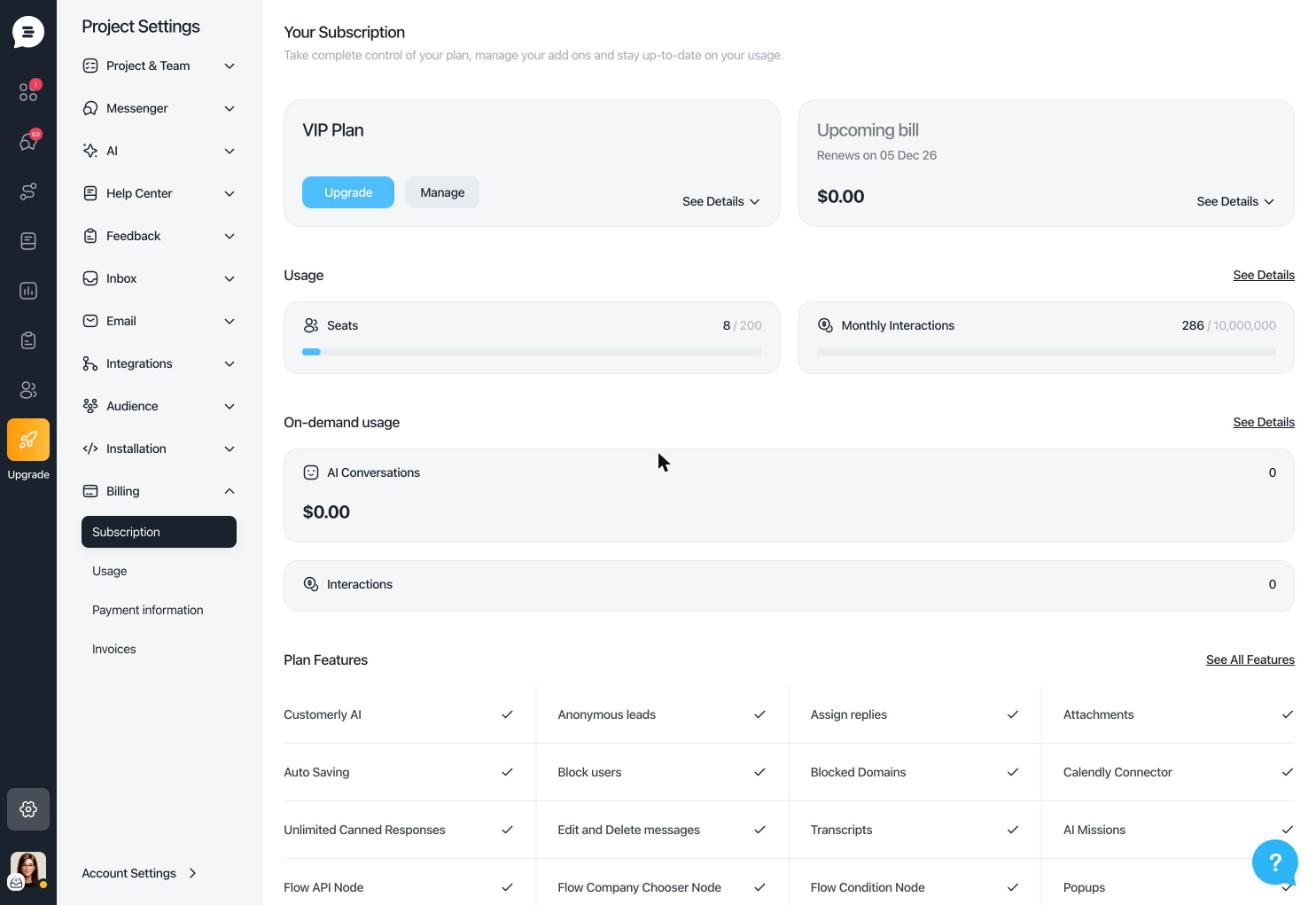
Billing in Customerly is easier to read and easier to manage. The billing section was redesigned around three pages: your subscription, your usage and your invoices.
Subscription and usage
- Subscription page: your plan, seats and usage at a glance.
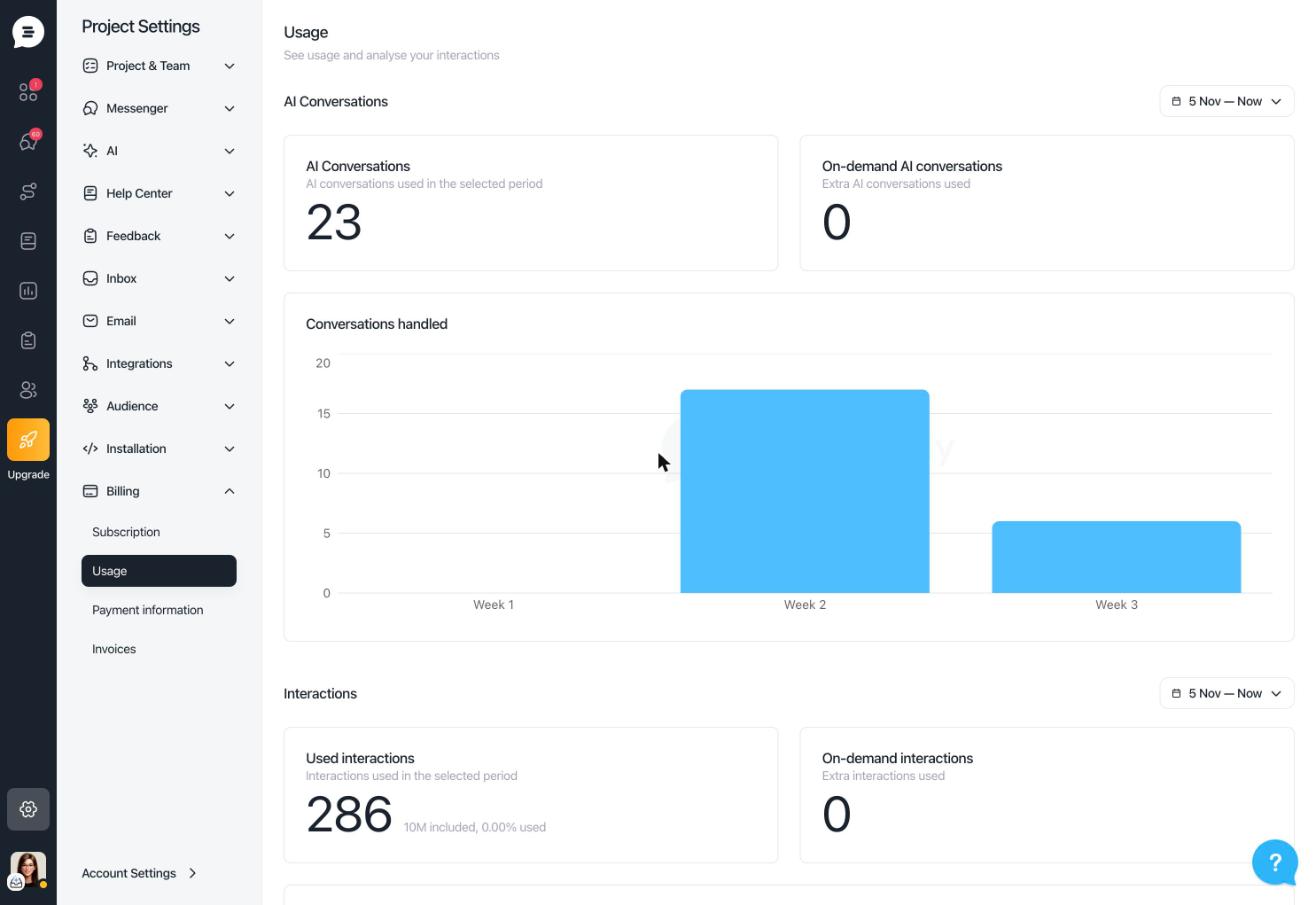
- Usage page: replaces "Interactions" and shows AI conversations and interactions for each billing period. The current period reads "start → to now".
- Released: October 2, 2026
Invoices and alerts
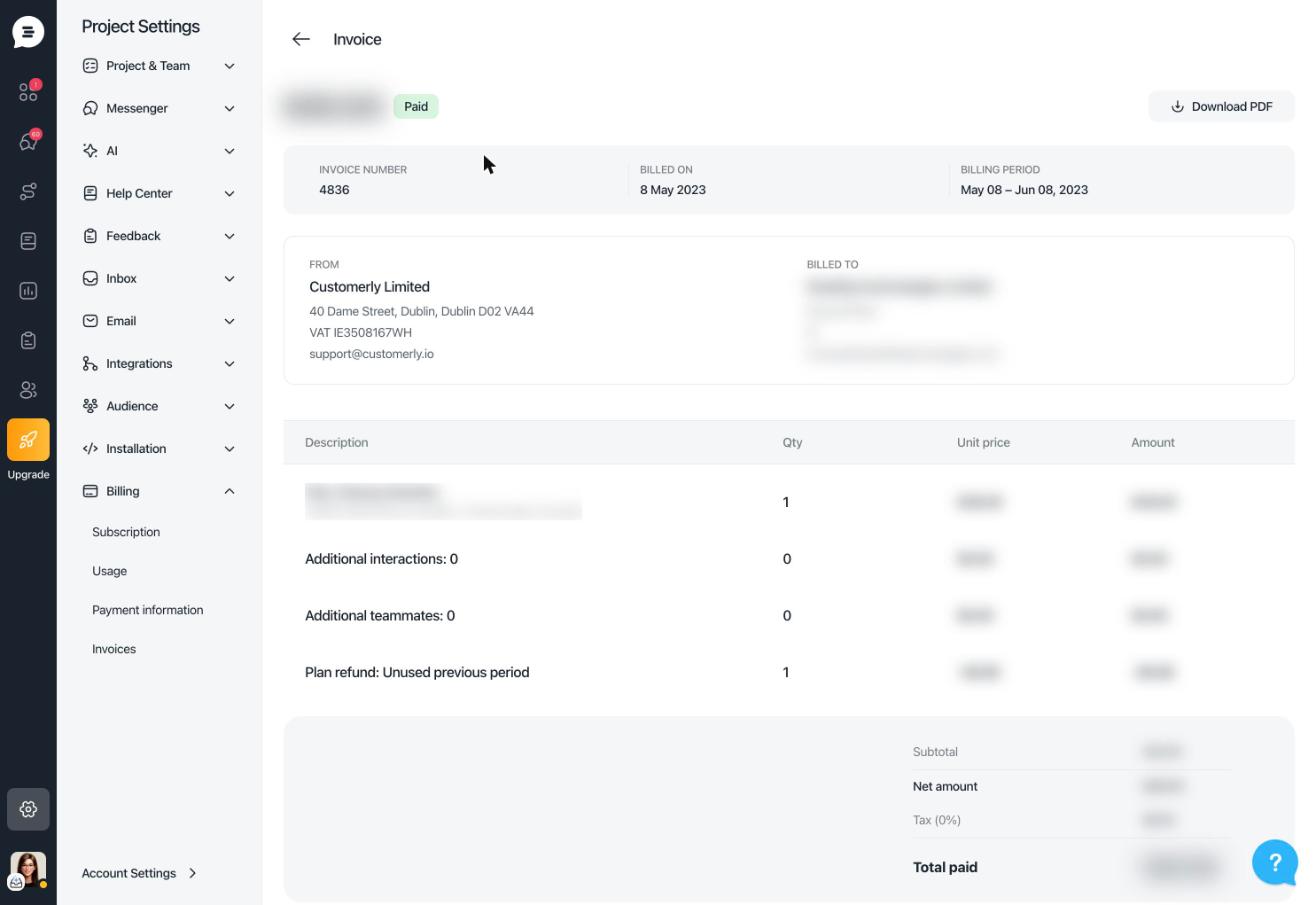
- Invoices: each invoice has its own detail page, with a one-click chat with support if something looks wrong.
- Billing alerts: you see only the most important notices, such as a failed payment, an expiring card, full seats or usage, while optional tips step aside.
- Payment failed: a clear card on the billing page shows what happened and how to fix it.
Cancel or change plan without losing your work
- Cancel without deleting your project: your project stays safe in a cancelled state, and you can pick a plan to come back at any time.
- Change plan at any time: even after a failed payment. You settle what's owed and the new plan starts today.
- Released: October 2–3, 2026
Current plans and prices are on the pricing page.


