

Help center software that powers
self-service and your AI agent
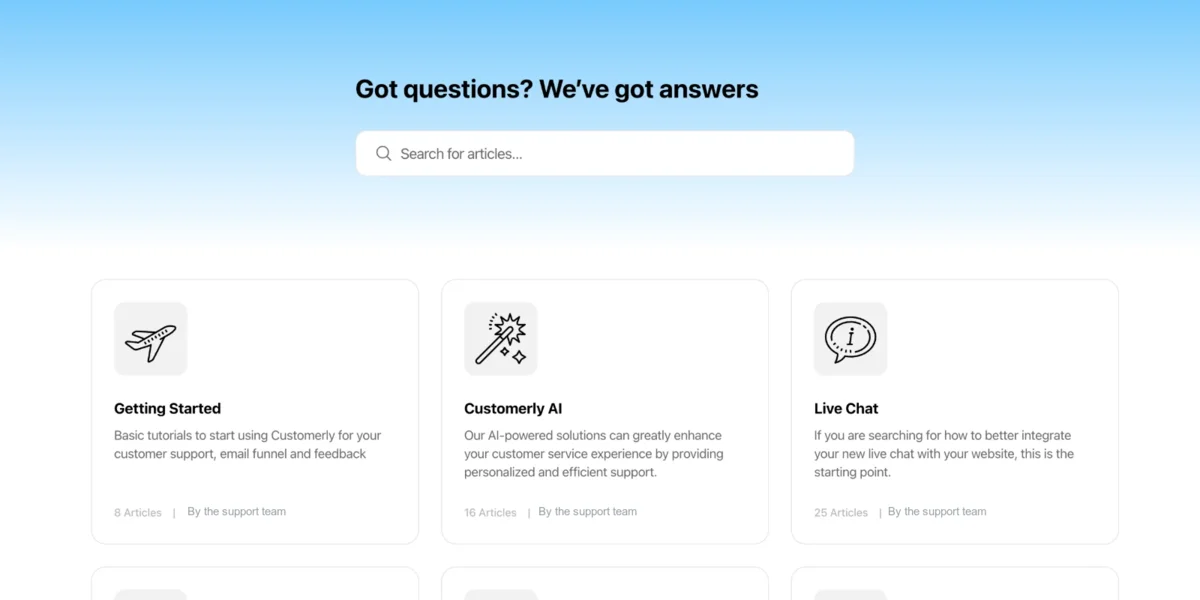
Build a multilingual help center on your domain and inside your chat. Customers search it, Aura AI learns from it, and reports show what to write next. Included on every plan.









What is help center software?
Help center software lets a support team publish articles customers can search before they contact support, and measure which questions the articles actually answer. It covers the editor, collections and categories, search, multilingual content, a custom domain, and reports on views, feedback and the searches that found nothing. Since AI agents arrived, it has taken on a second job: being the knowledge the AI reads to resolve conversations.
Customerly's help center software does both. Customers search it on your domain, inside the live chat widget and in your mobile app; Aura, the AI customer support agent, learns from the same articles to answer in any language. It is included on every plan, with a custom domain from the Growth plan and multilingual content on Ultimate, and it sits next to the AI helpdesk where your team handles what Aura escalates.
Help center vs knowledge base: what is the difference?
The terms overlap, and most teams use them interchangeably. The useful distinction is who reads the content and where it lives.
Help center
The customer-facing site: articles, collections, search and feedback, on your domain and inside your chat widget. Measured on self-service rate and ticket deflection.
Knowledge base
The broader store of knowledge, internal or external: product docs, policies, procedures. A help center is the published, customer-facing slice of it.
AI knowledge base
A knowledge base an AI agent reads to answer customers. In Customerly the help center is that knowledge base, so one set of articles serves people and Aura.
$12M Saved Globally Thanks to
Our AI-Driven Help Center


Craft Engaging Articles with Our Robust,
AI-Powered Editor
From Video Tutorials and Code Snippets to Text and GIFs, Share It All Effortlessly
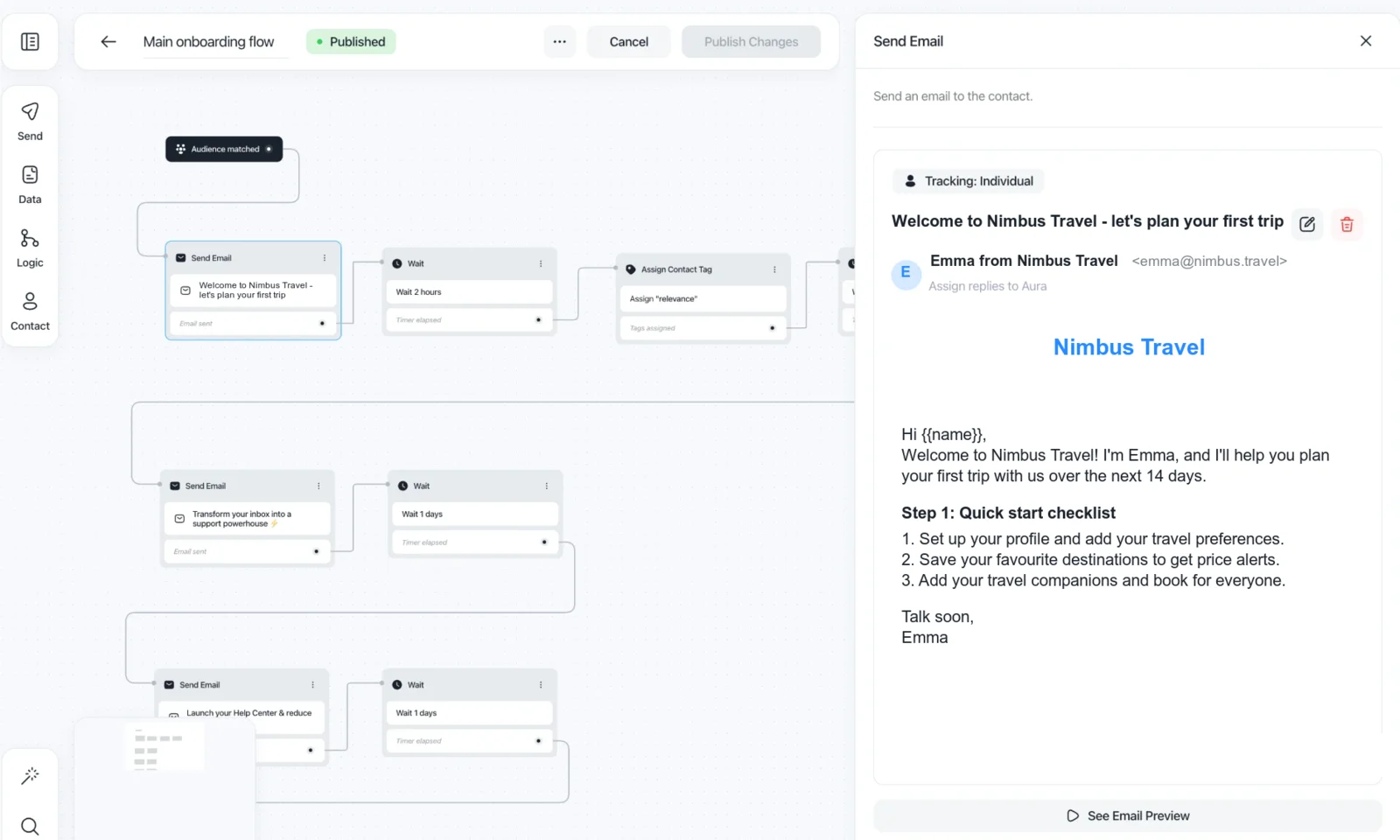
Identify Frequently Asked Questions and Build Comprehensive Collections
and Articles
Pinpoint Key Search Terms from Unsuccessful Queries and Enhance Your Articles
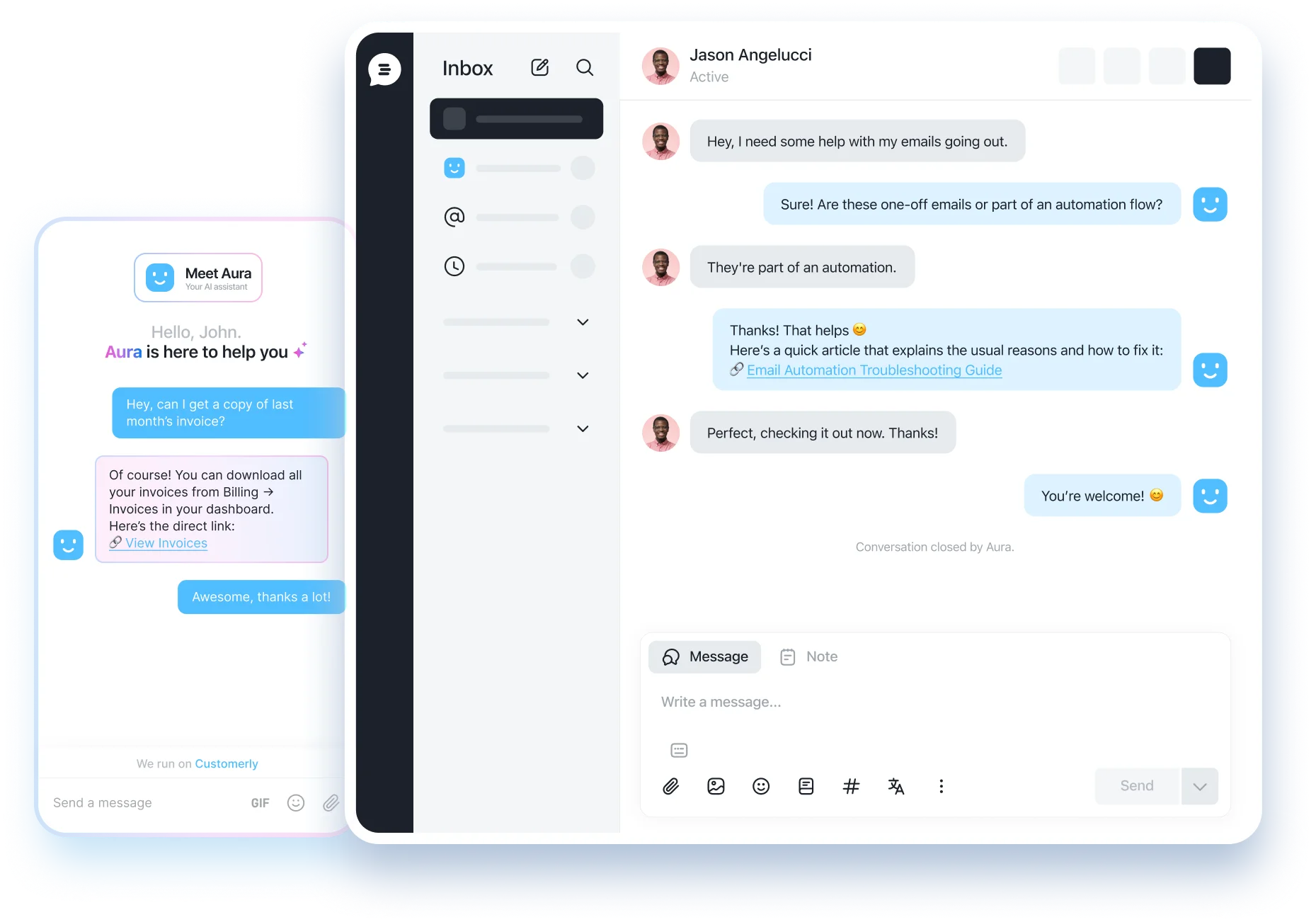
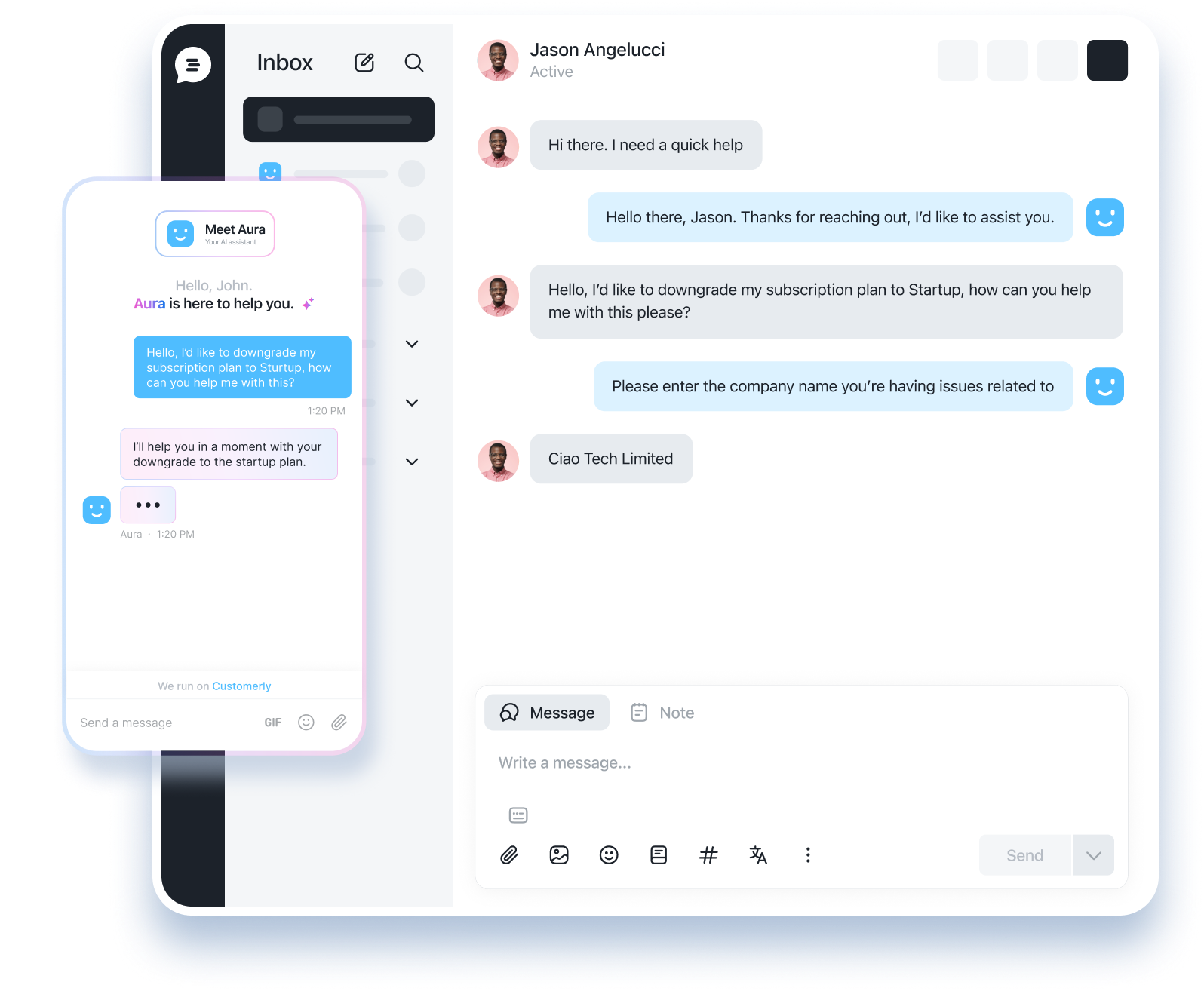
Leverage AI to Match Customer Queries with Relevant Articles Seamlessly
Enable Customers to Find Answers Independently via Live Chat or Help Center

Effortlessly Organize Your Articles and Collections
Simplicity at Its Best: We've Designed the Most User-Friendly Way toManage Your Help Center Content

Empower Customers to Resolve Issues Quickly through Self-Service
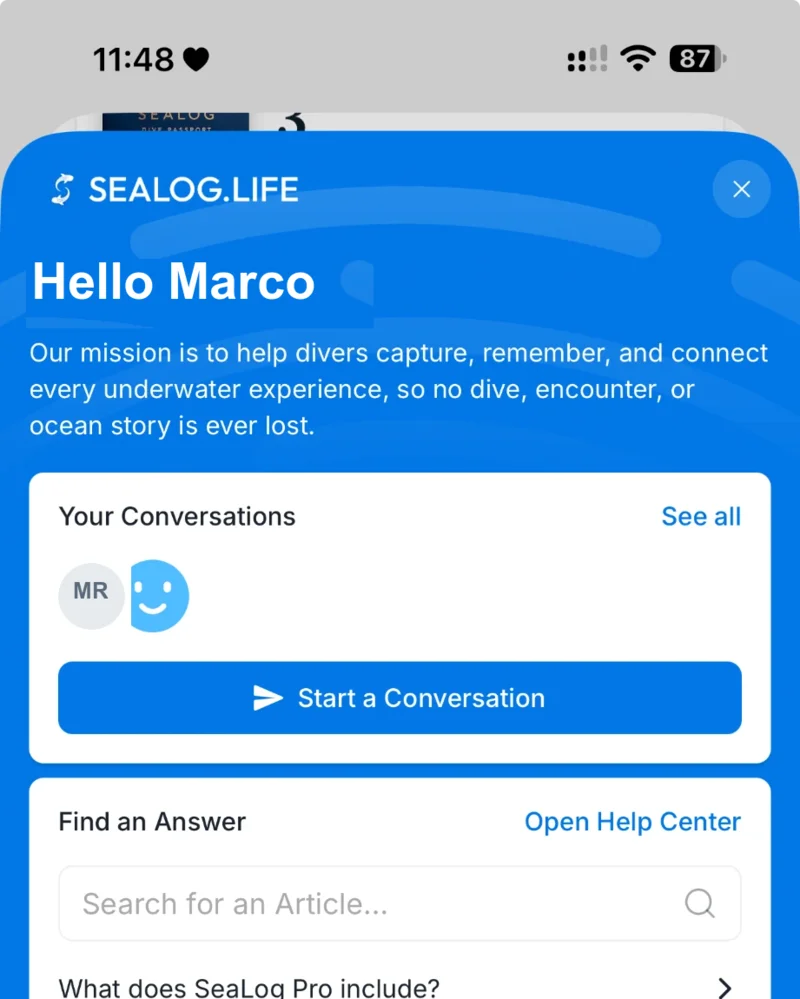
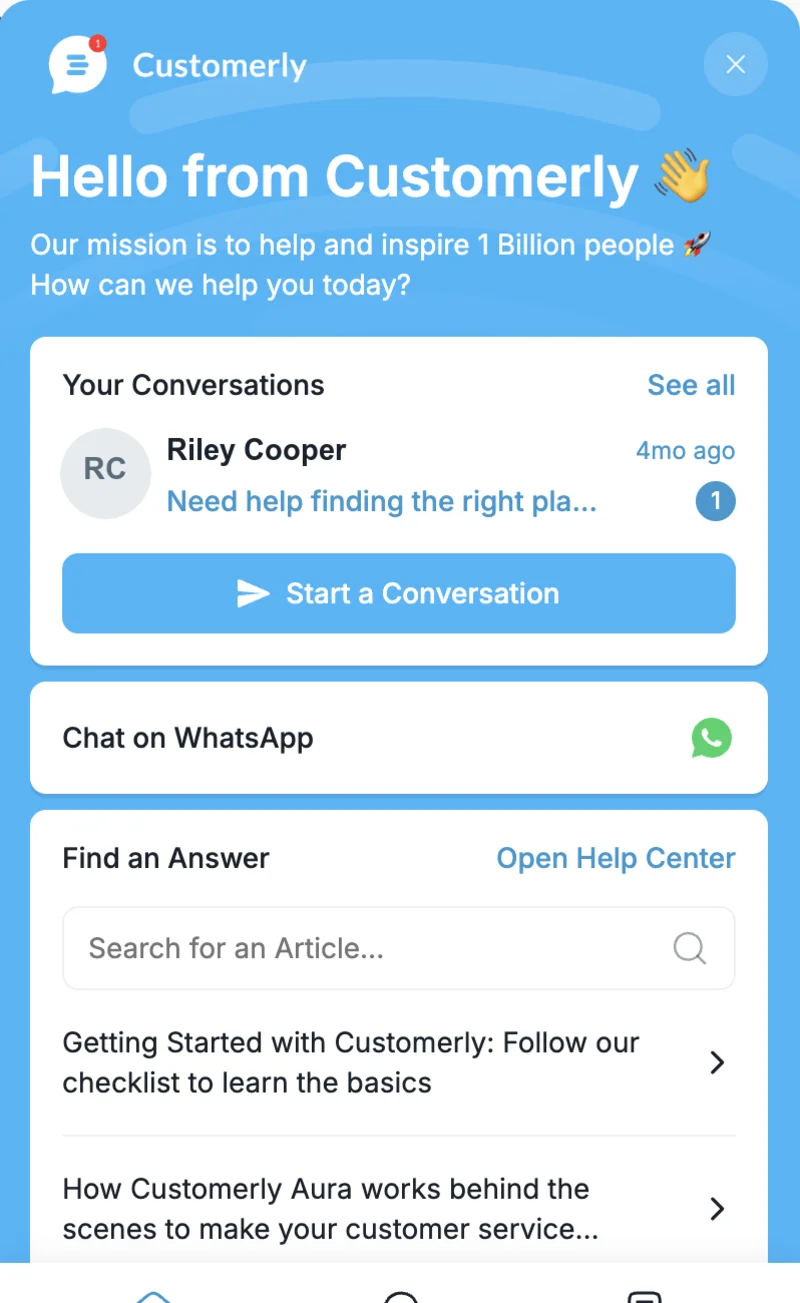
Enable Customers to Find Answers Themselves with the Integrated Help Center in Your Live Chat

An AI knowledge base: how Aura learns from your articles
Every article you publish becomes part of the knowledge Aura, the Customerly AI agent, uses to answer customers in chat, email, WhatsApp and in your app. There is no second knowledge base to maintain for the AI: the help center your customers read is the one Aura is grounded in, so a fix to an article fixes the AI answer too.
Aura cites the article it used, escalates to a human when the help center has no answer, and the failed searches it logs tell you which article to write next. Averaged across all Customerly customers, Aura resolves 72% of conversations this way.

Help center inside the chat widget and your mobile app
Customers do not have to leave your product to find an answer. The help center opens inside the live chat widget on your website and inside your iOS, Android and React Native app through the mobile SDK, with search, collections and article feedback in the same window where they can start a conversation.
Articles are suggested as the customer types, so a question about invoices shows the invoices article before a ticket exists.

Custom domain, branding and multilingual content
Host the help center on your own domain, such as help.yourcompany.com, with your logo, colours and navigation. Publish each article in as many languages as you serve: the multilingual help center keeps translations attached to the original, and Aura answers in the customer's language whatever language the article was written in.
Collections and categories keep long help centers navigable, and the AI-powered editor helps you write and polish articles with video, code snippets, GIFs and text.
Reports, feedback and migration from Zendesk Guide or Intercom Articles
Help center reports show article views, feedback votes, searches with no result and how many conversations an article deflected. That is the list of what to write, rewrite or retire, ordered by impact on your support volume.
Moving from Zendesk Guide, Intercom Articles, Help Scout Docs or a Notion page? Customerly's team imports your articles and collections at no cost, so the AI knowledge base is ready on day one.


Customer Success Manager @ TeamSystem


Help center software FAQ
What teams ask before choosing help center and knowledge base software.
Help center software is a tool for publishing support articles customers can search before contacting you, organised into collections, with multilingual content, a custom domain and reports on views, feedback and failed searches. Customerly's help center also acts as the AI knowledge base Aura uses to resolve conversations.
Knowledge base software stores and organises knowledge for people or software to look up; a help center is the customer-facing, published part of it. Customerly covers both for customer support: the articles are the help center customers read and the knowledge base Aura AI answers from.
In two ways. Customers who find the answer themselves never open a conversation, and the same articles let Aura resolve the conversations that do come in. Across all Customerly customers Aura resolves 72% of conversations on its own; TeamSystem, with 600,000+ customers, reports €300,000 a year saved on support.
Customerly's help center is included on every plan, from the free plan up. Plans start at $19 per seat per month; a custom domain is available from the Growth plan ($69) and multilingual content on Ultimate ($99). There is no separate knowledge base add-on.
Zendesk Guide, Intercom Articles and Help Scout Docs each sell a help center, usually with AI as a paid add-on. Customerly includes the help center and Aura, the AI agent that answers from it, with AI billed at a flat $0.45 per conversation. Migration from any of them is assisted at no cost.
Yes. The multi-language Help Center lets you publish knowledge base content in several languages so you can serve a global audience from one place.
Yes. On paid plans you can host your Help Center on a custom domain so it matches your brand.
Aura AI reads your Help Center content and uses it to answer customer questions instantly in live chat, deflecting tickets before they reach your team.
Yes. The knowledge base manager lets users browse and search articles directly inside the chat widget without leaving your product.
Help Center reports track article views, feedback, and deflection rates so you can spot content gaps and continuously improve your knowledge base.
Explore the Customerly platform
- AI customer service softwareThe whole Customerly platform: Aura AI agent, helpdesk, live chat, help center and mobile SDK.
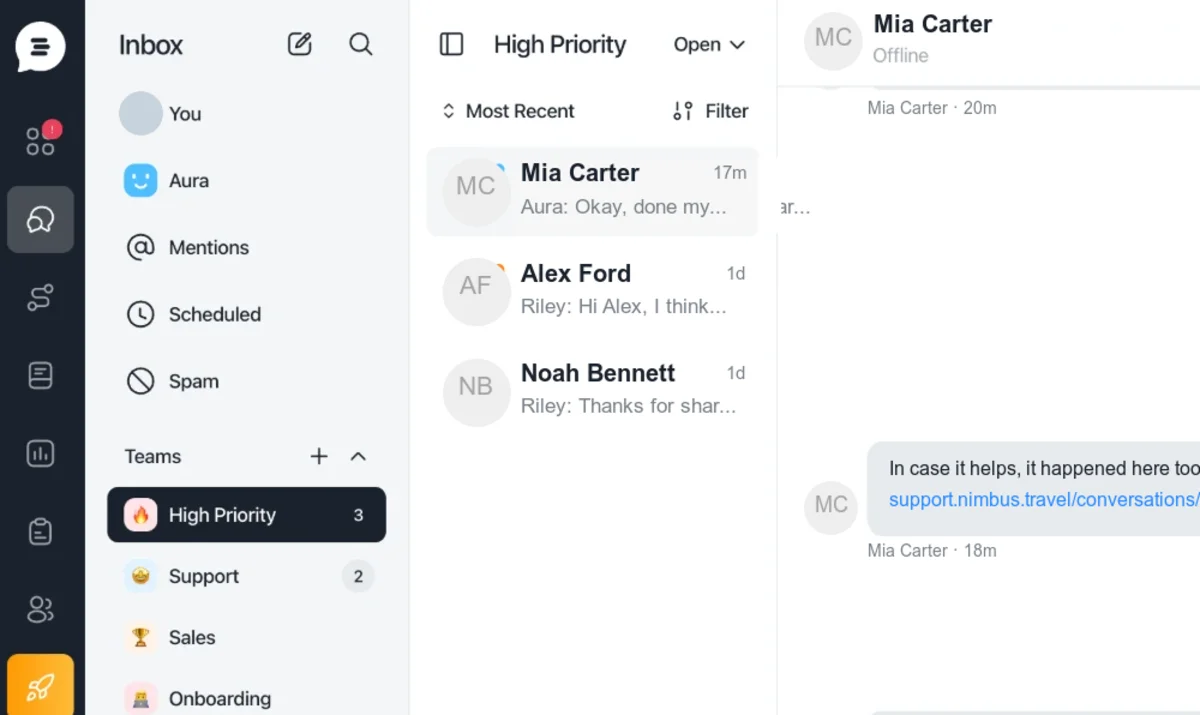
- AI helpdesk softwareOne inbox for email, chat, WhatsApp and in-app messages, with Aura resolving tickets before your team sees them.
- AI customer support agentAura resolves 72% of conversations in any language from your help center and takes actions on your systems.
Re: Booking #48213
 Aura AI Agent · Customer supportto giulia.ferri@example.com
Hi Giulia,
Done. Your stay is now Sat 14 to Mon 16 June, same room and rate. The updated confirmation is on its way.
Aura AI Agent
Hi! Can I move my booking to Saturday?
Aura AI AgentonlineHi! Can I move my booking to Saturday?09:41 ✓✓
Done. Your stay is now Sat 14 to Mon 16 June, same room and rate. The updated confirmation is on its way.09:41
- AI live chat softwareA live chat widget for your website and product where Aura answers first and humans take over with context.
- Mobile chat SDKAI live chat, help center and surveys inside your iOS, Android and React Native app with one line of code.
- Customer interaction platformSupport, email marketing, surveys and customer data in one platform built for SaaS teams.